
Keyword Research Tools: 78 Free and Paid Options in 2026

Updated October 13, 2026
The best free keyword research tools start with Google’s own data. Google Search Console shows the searches your site already appears for, and Google Keyword Planner gives Google’s own monthly search estimates and cost-per-click figures. Both cost nothing (Keyword Planner is free inside a Google Ads account), and together they answer most first questions. Pay for a tool only when the free limits start getting in your way.
Which keyword research tool is worth paying for depends on what you need it to do. Alameda Internet Marketing is a digital marketing agency based in Frisco, TX, and this page checks 78 tools, grouped by the job each one does, and links each price to its vendor page. Many of them have a free plan (the “freemium” model) or a free trial, so you can try a tool before you commit.
Every search volume figure here estimates how many searches happen, not how many visitors you can expect; the section on reading the numbers explains why.
Prices and plans were checked on October 13, 2026 and change often, so confirm on the linked vendor page before you buy.
Quick Picks: Which Keyword Research Tool Fits Your Need
- Free start: Google Search Console for the searches your site already gets, and Google Keyword Planner for Google’s own volume and cost-per-click numbers.
- One suite for everything: Semrush for keyword, competitor and wider SEO work in one place, Ahrefs Keywords Explorer for deep keyword data, or SE Ranking for similar data at a lower price.
- Low budget: Keywords Everywhere for numbers while you browse, KWFinder by Mangools for a clean beginner-friendly tool, or Keyword Surfer for free volume on Google’s results page.
- Local: the Google Business Profile Performance report for the searches that already find you, and Local Falcon Local Keyword Tool for ideas by city or zip code.
- Questions: AlsoAsked for FAQ sections and outlines, AnswerThePublic for content planning, or QuestionDB for low-budget question research.
- Competitor research: SpyFu if you run or plan to run Google Ads.
The sections below follow the job each tool does, from free sources to specialist platforms.
How We Checked This List
On October 13, 2026 we checked every one of the 100 tools on the 2017 version of this list, and every candidate we found for 2026, on the tool’s own website and pricing page. Each keeper was then re-checked independently. That is what “checked” and “verified” mean on this page: what each tool does and costs, confirmed from the vendor’s own pages.
The result is 78 tools. Of those, 27 entries carry forward from 2017 (they cover 34 of the original 100 listings), 51 are new for 2026, and 66 of the original 100 are gone. A later section explains what happened to them.
Entries follow the job each tool does, not a quality ranking. No tool paid for placement, and there are no affiliate links on this page.
Four of the tools are ones we use in our own client research: Google Search Console, Google Keyword Planner, DataForSEO and SEO Utils. We say so in those entries and make no such claim about any other tool. Semrush owns Exploding Topics and makes Semrush Prompt Research; those entries say so.
Price terms: “free” means the vendor’s own pages show no charge for it. Where a vendor publishes no separate price, as with YouTube Studio Trends and Pinterest Trends, the entry says so. “Starting price” means the lowest paid plan the vendor shows. Where a price is unpublished or custom, we write “pricing on request.”
How to Read Keyword Numbers Before You Trust Them
Search volume is an estimate of how many times a month people search for a phrase. It isn’t the number of visitors you’d receive, because not every search ends in a click. SparkToro, using Similarweb panel data, found that 68.01% of US Google searches from January to April 2026 ended without a click. Panels differ across years, so read that as a snapshot, and note that “any click” includes clicks to Google’s own properties and ads.
AI summaries add another layer. A 2025 study by Pew Research Center found that users who saw an AI summary clicked a result link in 8% of visits versus 15% without one. That sample was 900 US adults, March 2025.
Keyword difficulty estimates how hard a phrase is to rank for. Treat it as a rough guide rather than a precise measurement, and compare scores inside one tool. Cost per click (CPC) is what advertisers pay when someone clicks their ad. CPC hints at commercial value but is not a price you pay. Search intent is what the searcher wants, and the quickest check is to look at who ranks. Long-tail keywords are specific searches, each with low volume on its own; the low volume, not the word count, is what makes them long-tail.
Numbers differ between tools because the data comes from different places. Google’s and Microsoft’s planners are first-party data. Some tools pass through those planner figures and others model their own, Google Trends and the YouTube and Pinterest trend tools show relative interest rather than volume, and autocomplete tools often show no volume at all. Compare keywords inside one tool, not across tools.
Check data you own before buying anything: Search Console queries and Business Profile search terms. Treat any keyword list as a hypothesis, since running real ads is one way to test which keywords actually earn clicks. When you want that data turned into pages and a plan, our SEO services cover that step.
Three habits for any keyword number
Volume is not visitors
It estimates searches, and not every search ends in a click.
Stay inside one tool
Tools get their data from different places, so compare keywords within a single tool.
Difficulty is a rough guide
Treat the score as a hint, then look at who actually ranks.
Free Keyword Research Tools From Google and Microsoft
Google and Microsoft give away their own data, so small businesses should start here. Both planners report city-level volume, the figure a local business usually needs.
Google Keyword Planner
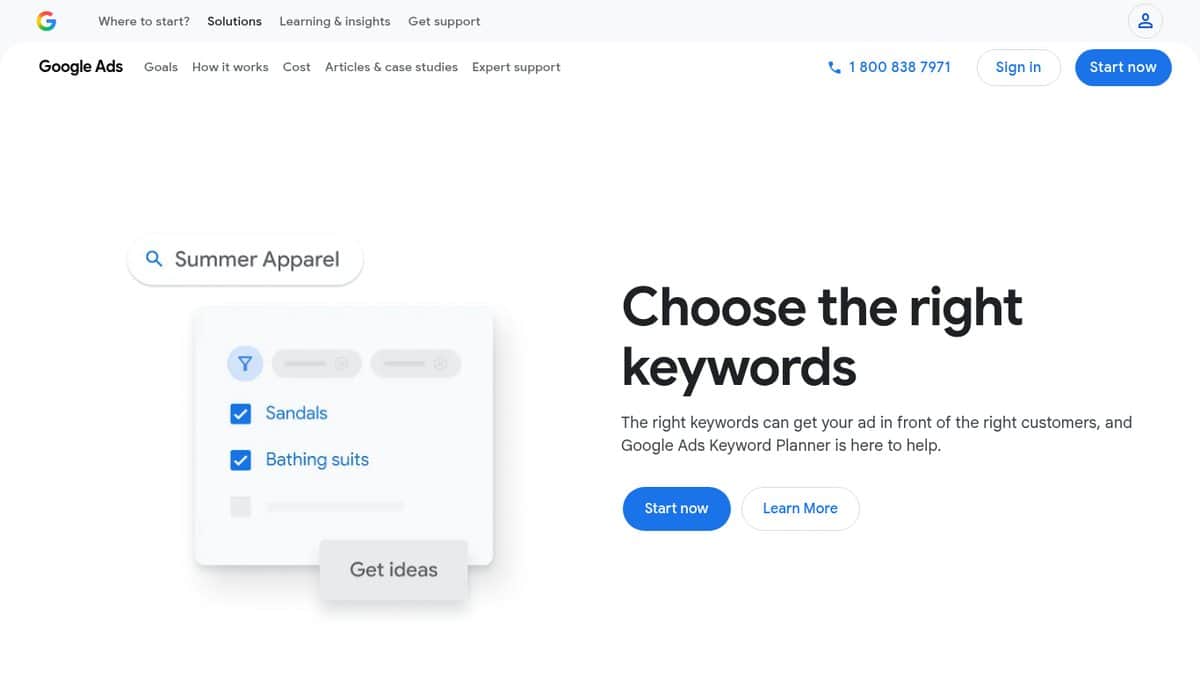
Google Keyword Planner gives you Google’s own keyword ideas, monthly search estimates and ad-cost data, which suits any business that wants first-party volume and cost-per-click numbers, including city-level data for local services. Start from a few starting keywords or any website URL, then check bid estimates and competition level per keyword. We use it in our own client research.
Some advertisers report that Keyword Planner shows ranges instead of exact numbers. It costs nothing, but Google requires Ads account setup, billing details included, before it returns keyword ideas, and very low-volume or sensitive-category keywords (health or finance, for example) can return no results (Google’s help page).
Google Search Console
Google Search Console shows the real Google searches your own site already appears for, with clicks, impressions and average position. Site owners use it to hunt for “almost ranking” queries (positions 5 to 20) and long-tail searches they never knew they were showing up for. You can filter by page, country, device and date, and export the data. Google says its generative AI performance report for AI Overviews and AI Mode shows impressions only.
It covers only sites you have verified, and it shows nothing for keywords where your site never appears. We use it in our own client research. It’s free with a Google account and a site you can verify, and the API is free within usage limits (Google’s help page).
Google Trends
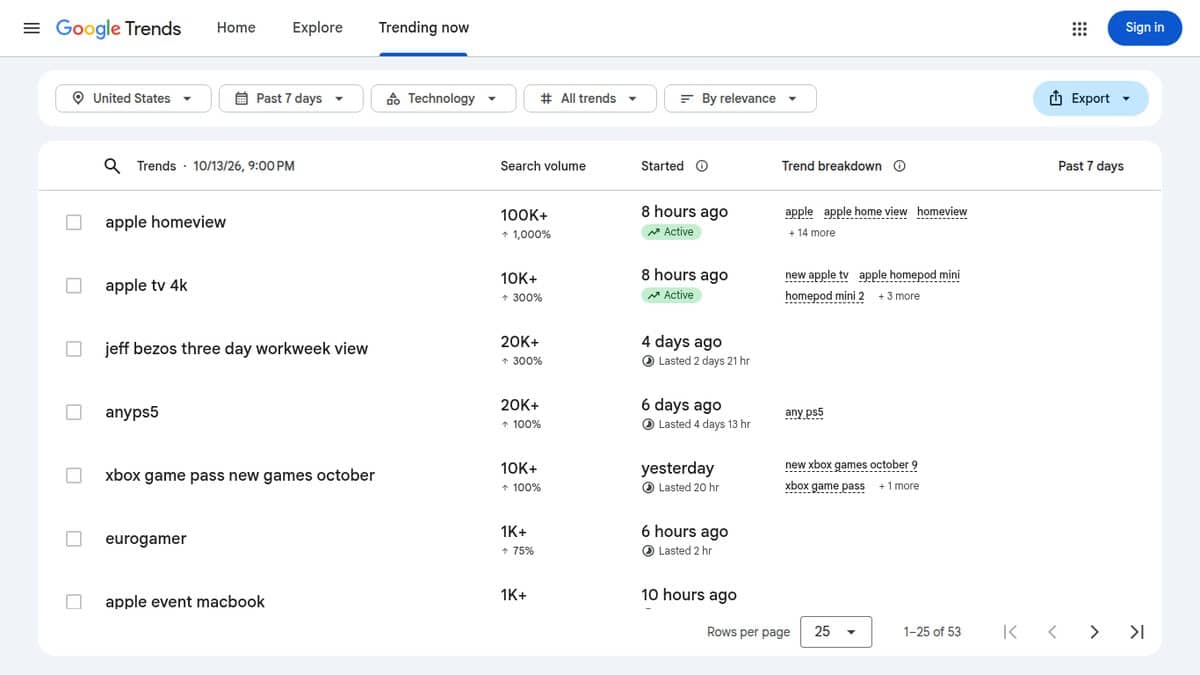
Google Trends shows how interest in a search rises and falls over time and by place. Use it to check seasonality before you plan content or ad spend, and to see which wording people search more. It also lists rising related searches and breaks interest down by country, region and metro area.
The numbers show relative interest on a 0 to 100 scale rather than search volume. Trends is free and needs no account (Google’s training page).
Google Autocomplete, People Also Ask and related searches
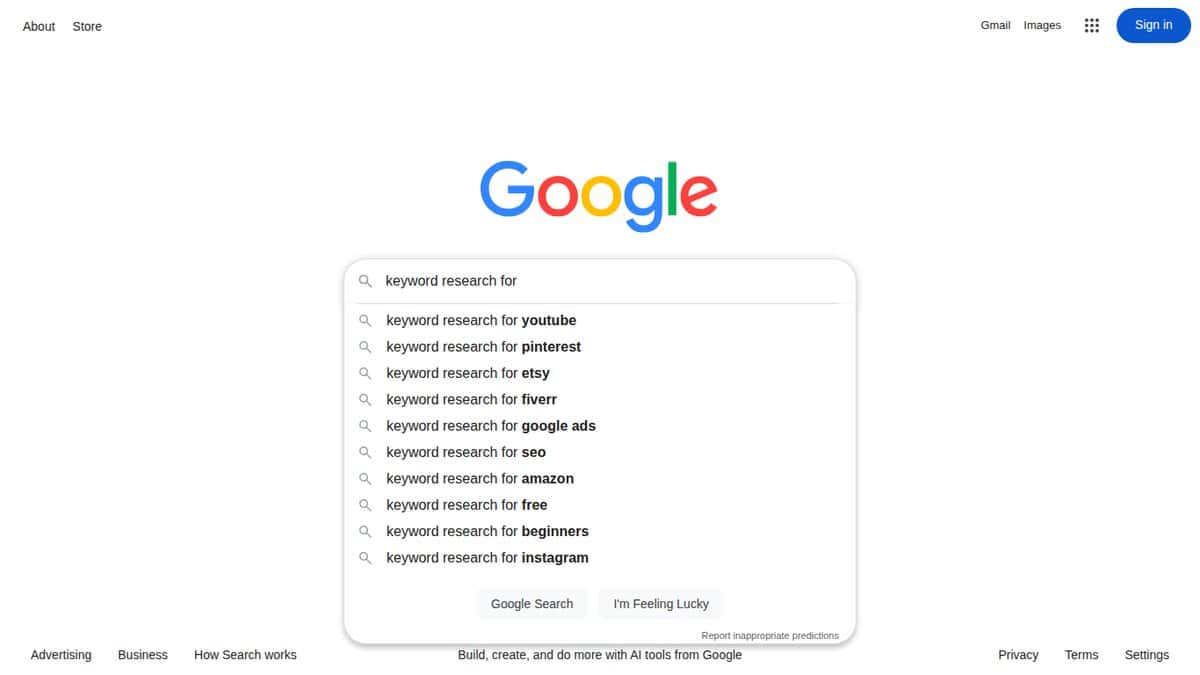
Google Autocomplete is a method, not a product. Type your service followed by a, b, c into the search box, and Autocomplete shows predictions that Google says reflect real searches, shaped by language, location and trending interest. People Also Ask boxes expand into more questions as you open them, and related-search suggestions show neighboring queries.
It works well for local service businesses brainstorming long-tail and question keywords on no budget. Predictions are personalized, so use a signed-out or private window, and expect no volumes. Google Search is free to use, and autocomplete works without signing in (Google’s help page).
Microsoft Advertising Keyword Planner
Microsoft Advertising Keyword Planner is Microsoft’s counterpart to Google’s planner, with keyword ideas, Bing search volume, trends and cost estimates. It suits businesses that advertise on Bing, or anyone who wants a second free source of first-party volume and local data. Targeting runs from city and DMA up to country.
The data covers the Microsoft search network, not Google. The tool is free, but you need a Microsoft Advertising account (Microsoft’s page).
Bing Webmaster Tools Keyword Research
Bing Webmaster Tools Keyword Research gives you Bing search volumes, trends, question keywords and newly found searches. Site owners already verified in Bing Webmaster Tools get free organic volume data and question ideas, filterable by country, language and device for any timeframe in the last six months.
Volumes are Bing’s only, not Google’s. It’s free with a Microsoft or Bing Webmaster Tools sign-in, and there are no paid tiers (Bing’s about page).
A free-first order of work
1. Your own data. Search Console shows the searches your site already appears for.
2. Google's volume. Keyword Planner adds monthly search estimates and cost-per-click figures for the phrases you care about.
3. Timing. Google Trends shows when interest rises and falls, as relative interest rather than volume.
Then decide. Pay for a tool once a free limit actually blocks your work.
All-in-One SEO Suites for Keyword Research
Suites bundle large keyword databases (volume, difficulty, cost per click, intent and competitor keywords) with the rest of an SEO toolkit. Several offer a free tier or a free keyword tool.
Semrush
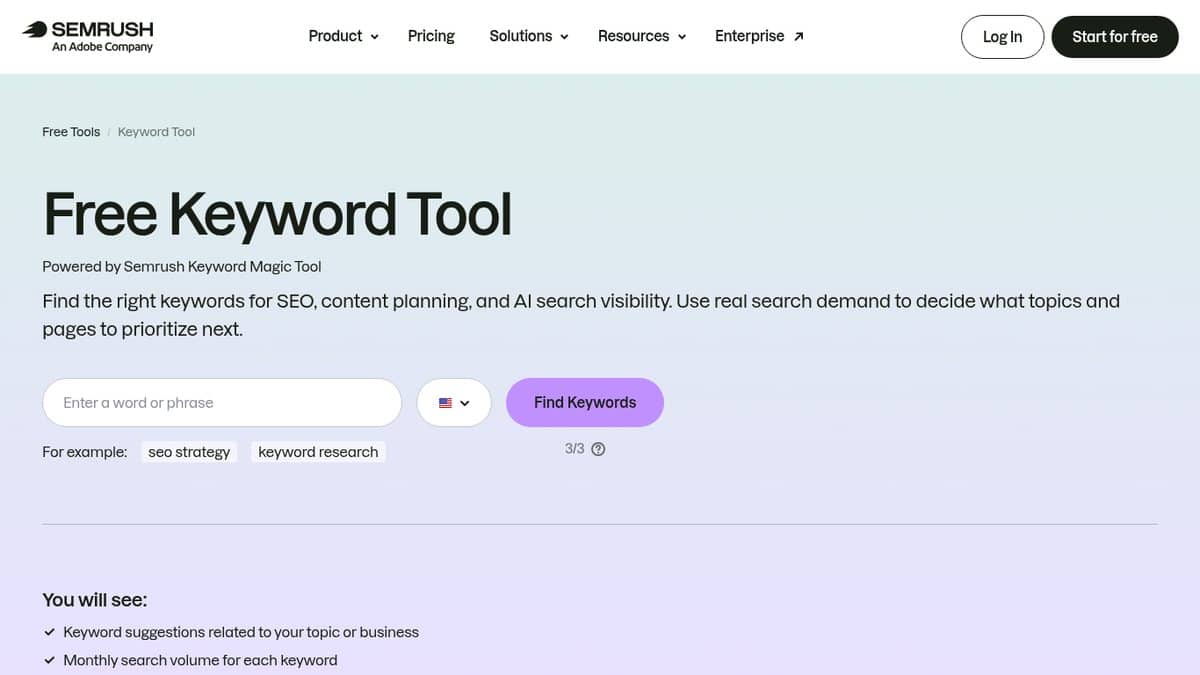
Semrush fits businesses and marketers who want one paid suite for keyword research, competitor research and the rest of SEO. Keyword Overview shows volume, difficulty, cost per click and intent for any keyword, and Keyword Gap lists what competitors rank for that you don’t. Adobe completed its acquisition of Semrush on April 28, 2026, and it is still sold under the Semrush name.
A free plan allows 1 demo project and 10 reports a day with no credit card, and a free Keyword Tool works without an account but shows a limited number of suggestions. The paid SEO plan starts at $139 a month ($117.33 a month billed annually), and the SEO, Starter and Pro+ plans offer a free trial (pricing page).
Ahrefs Keywords Explorer
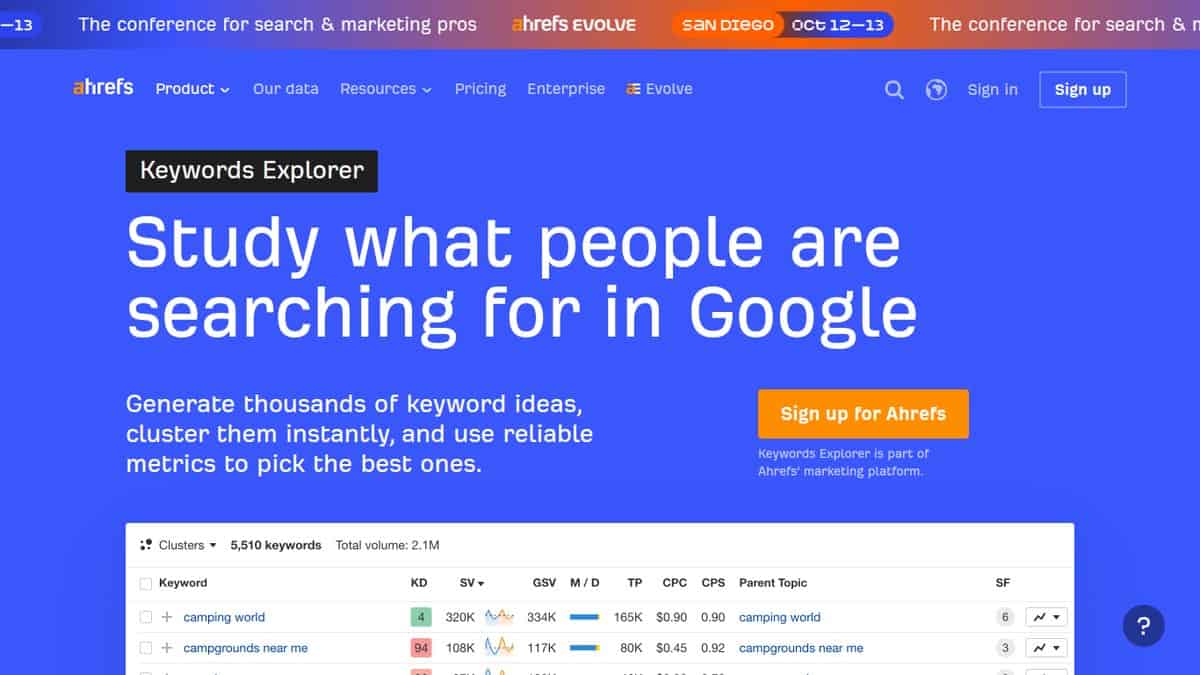
Ahrefs Keywords Explorer is a keyword tool for marketers who want deep data: difficulty scores, traffic potential and volume forecasts. Keyword clustering and AI search-intent labels arrive on Standard plans and up. Budget readers can start with the free Keyword Generator, which shows volume and difficulty for Google, Bing, YouTube and Amazon.
An Ahrefs Free account doesn’t include Keywords Explorer, and Ahrefs says there are no discounts or free trials, so check which paid plan covers it on the pricing page.
SE Ranking
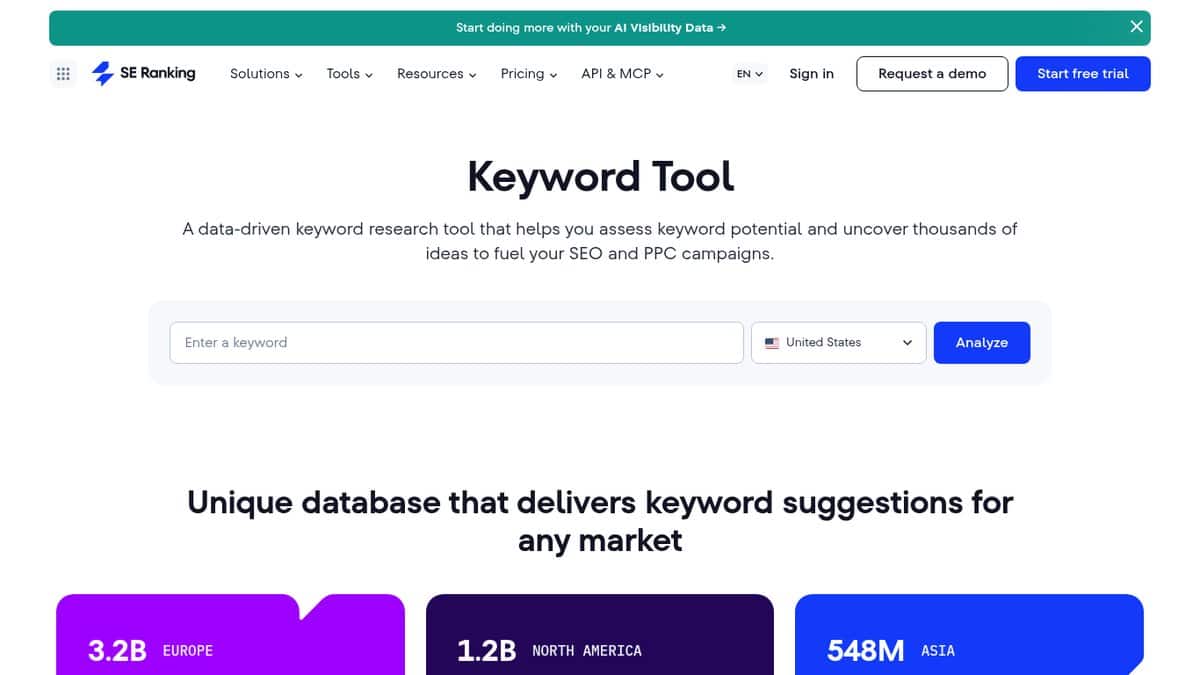
SE Ranking is a lower-cost all-in-one suite for small businesses and agencies that want Semrush-style keyword and competitor data for less. It reports volume, difficulty, cost per click, intent and SERP features across 188 country databases, and its Keyword Grouper feeds rank tracking and content tools. City-level targeting is supported, which helps local work.
The free Keyword Tool allows 3 reports a day with limited suggestions. Paid access starts with a 14-day free trial that needs no credit card, then Core at $129 a month ($103.20 a month billed annually) (subscription page).
Ubersuggest
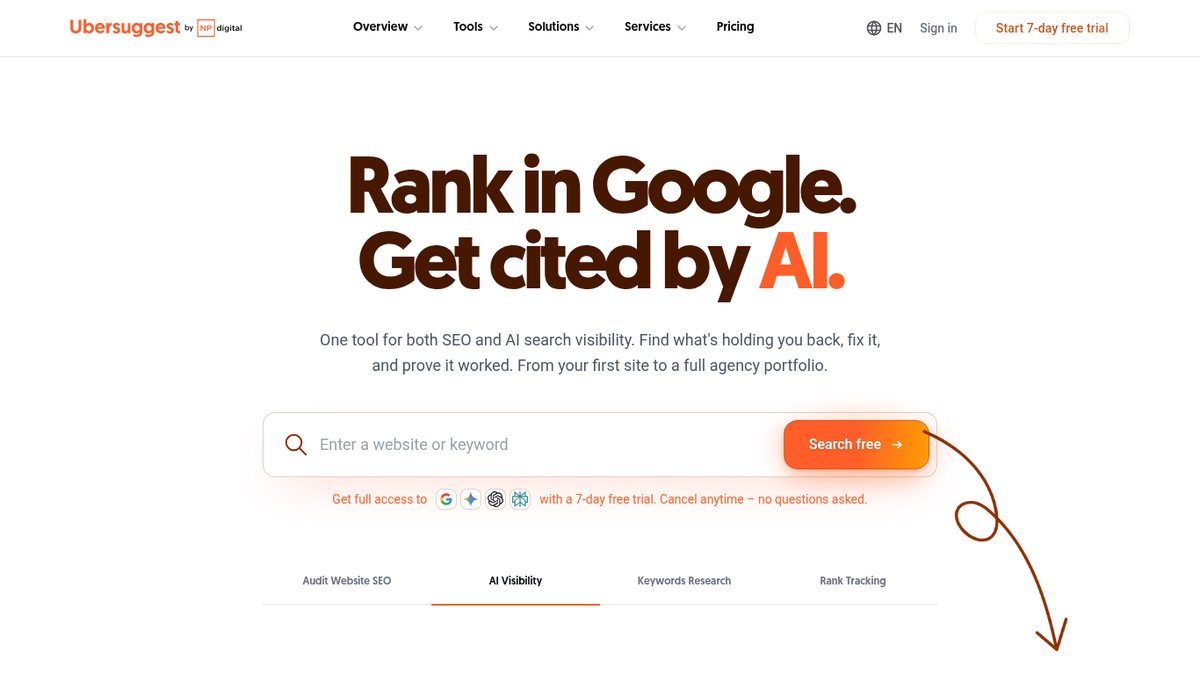
Ubersuggest is Neil Patel’s budget suite for business owners doing their own SEO who want something simple and cheap. It returns keyword ideas with volume, difficulty, cost per click and search intent, plus competitor keyword gaps and AI Prompt Ideas for questions people ask AI tools. On the 2017 list it was a free Google Suggest scraper; Neil Patel bought it that year and rebuilt it as a full suite.
A free account gives 3 searches or reports a day, 1 project and 25 tracked keywords, with no time limit. Paid plans start at $29 a month (Individual), with a 7-day free trial that needs a credit card and a one-time Lifetime option (pricing page).
Moz Keyword Explorer
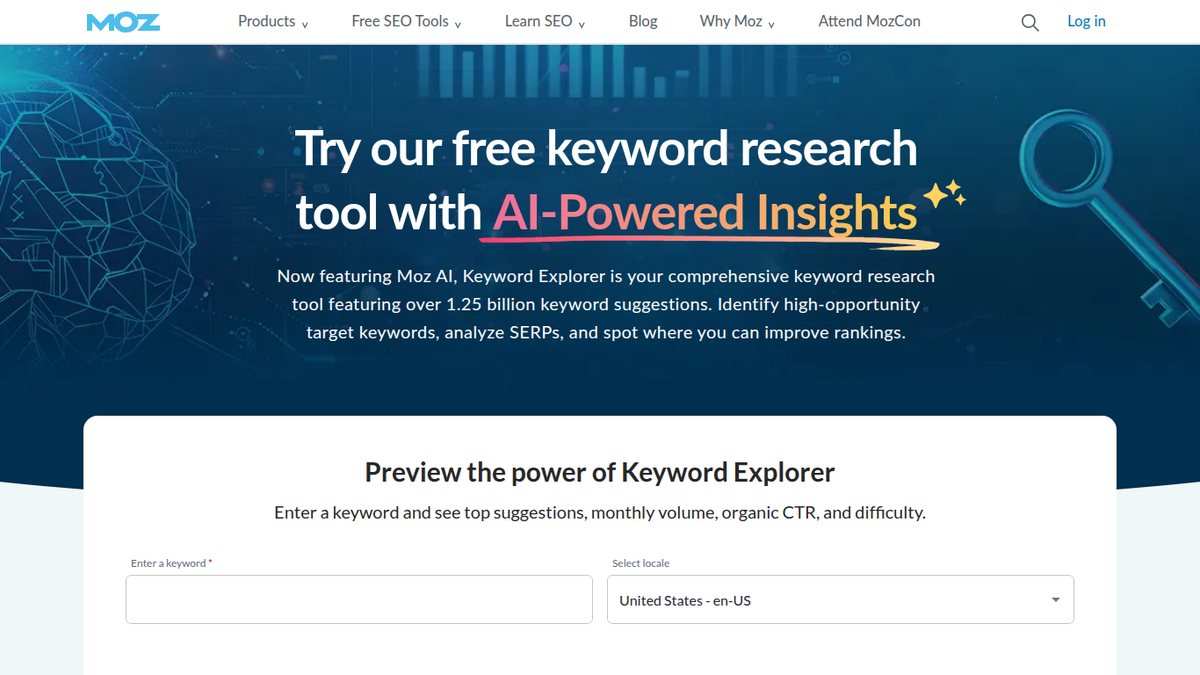
Moz Keyword Explorer suits readers who want an easy-to-read keyword tool and a cheap entry plan for a single site. It scores monthly volume, difficulty, organic click-through and priority, adds search intent labels from Moz AI, and has a Questions filter.
The free preview allows 3 searches a day, and a free Moz Community account adds limited access. Paid Moz Pro plans start at $49 a month (Starter) (pricing page).
Serpstat
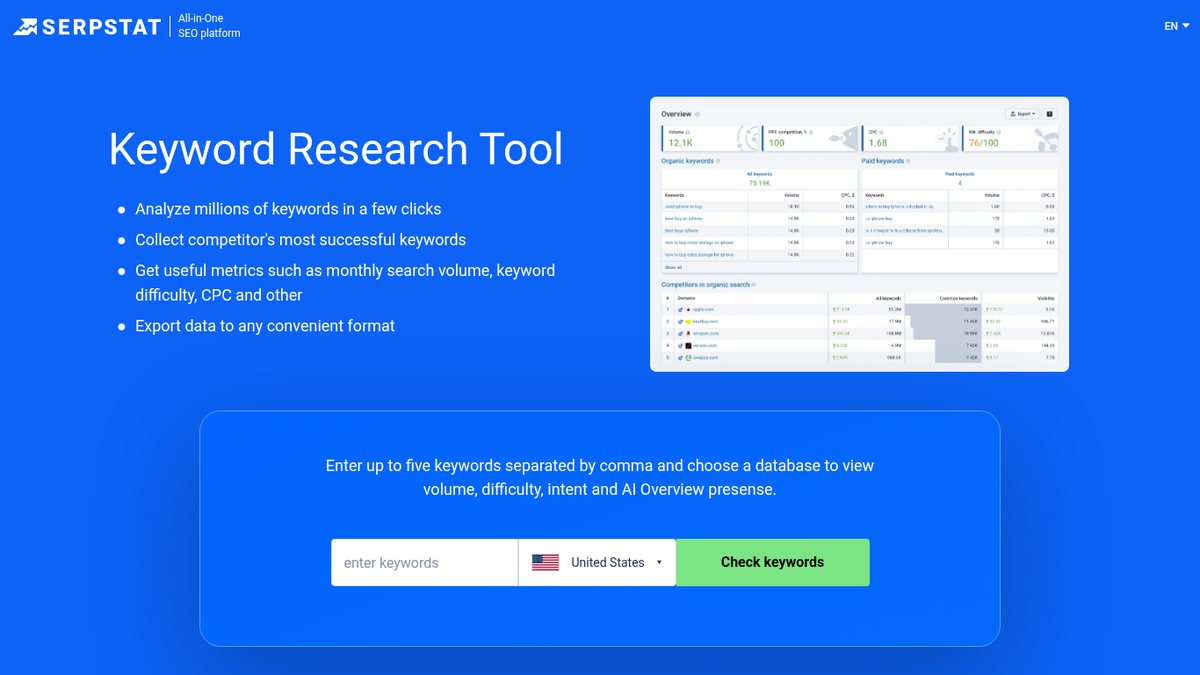
Serpstat is a mid-priced suite for marketers who want a cheaper alternative to Semrush or Ahrefs with broad country coverage. It offers keyword data for 230 countries, search questions, competitor gaps, and metrics that include AI Overview presence. Keyword clustering is available in the trial and limited Freemium.
You get 10 free searches a day, plus a 7-day free trial that needs a card ($1 verification charge). Paid prices shown with the annual discount start at $50 a month (Individual), and the page does not show month-to-month prices (pricing page).
Search Atlas
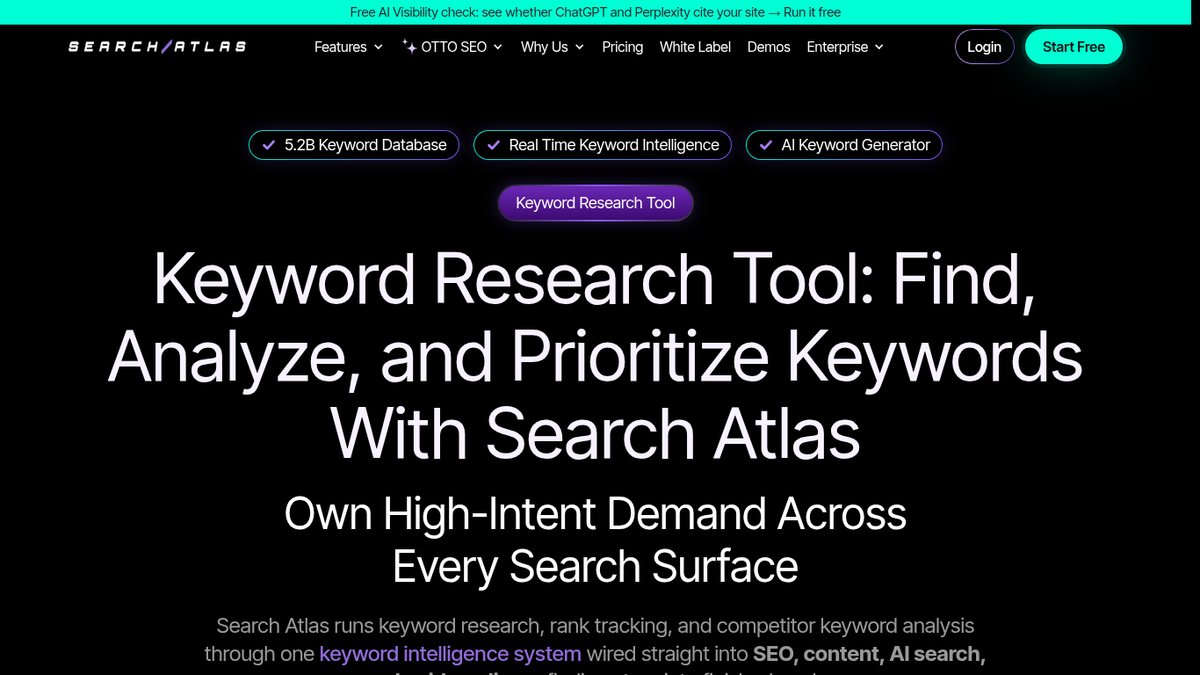
Search Atlas is a newer AI-driven SEO platform with a keyword module covering volume, difficulty, intent, cost per click and competitor gaps. It suits agencies and in-house marketers who want SEO automation and keyword research in one platform. The vendor claims a 5.2 billion keyword database and rank tracking by city, state, country and device.
There is no free plan, but there is a 7-day free trial. Starter is $99 a month billed monthly (1 project, 2,000 tracked keywords), and every plan draws from a shared “Universal Credits” pool (pricing page).
Before you buy any tool on this page
Confirm the price
Prices change often, so check the linked vendor page first.
Check the billing view
A listed price may be billed annually, so confirm the monthly figure.
Read the trial terms
Some trials need a credit card and others do not.
Budget Keyword Tools and Browser Extensions
These tools cost less than the big suites, and the extensions show volume and ideas on Google’s results page as you search.
Keywords Everywhere
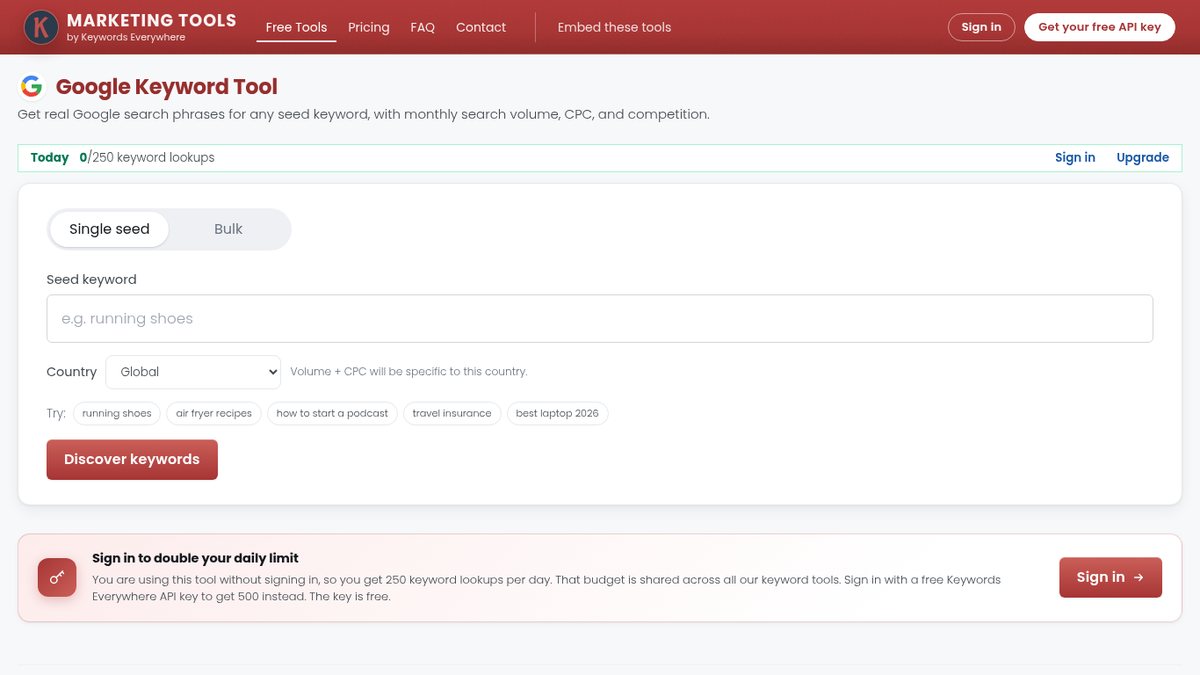
Keywords Everywhere is a cheap browser extension that adds volume, cost per click and trend data to Google, YouTube, Amazon and other sites as you search. Business owners who want keyword numbers while they browse, for a few dollars a month, get related and long-tail widgets right on the results page, plus a domain’s top keywords and keyword gap analysis. The multi-platform volume claims are the vendor’s own.
The free plan includes extension features such as keyword lists, traffic and link metrics, and prompt templates, plus free web tools capped at 250 keyword lookups a day. Paid plans are annual only, starting with Bronze at $84 a year, and credits expire after 12 months (compare plans page).
KWFinder by Mangools
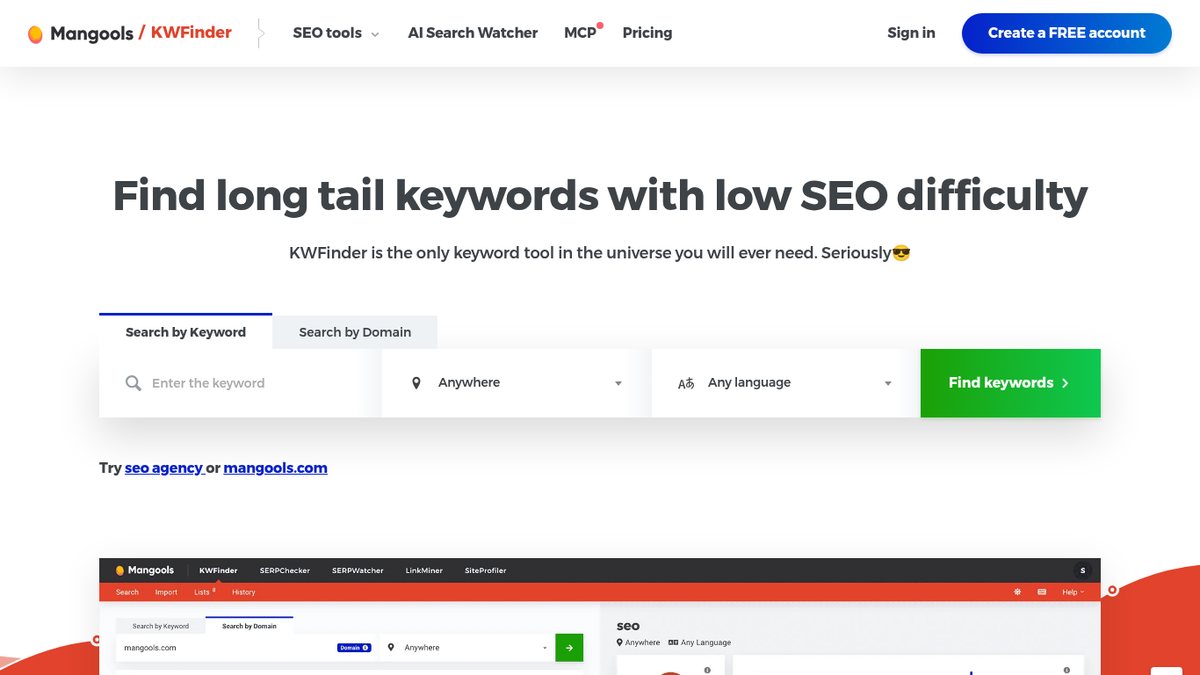
KWFinder by Mangools is a clean, beginner-friendly tool for finding long-tail keywords with low difficulty, built for small businesses and bloggers. It shows competitor keywords, historical volume for seasonal keywords, and local data for about 65,000 locations.
The free allowance is 5 lookups per 24 hours, with 15 related and 5 competitor keywords per lookup. Paid plans auto-renew; Basic is $452.40 a year billed annually, with a 48-hour money-back guarantee, and Mangools runs geo-pricing tests, so the price you see can vary by country (plans page).
KeySearch
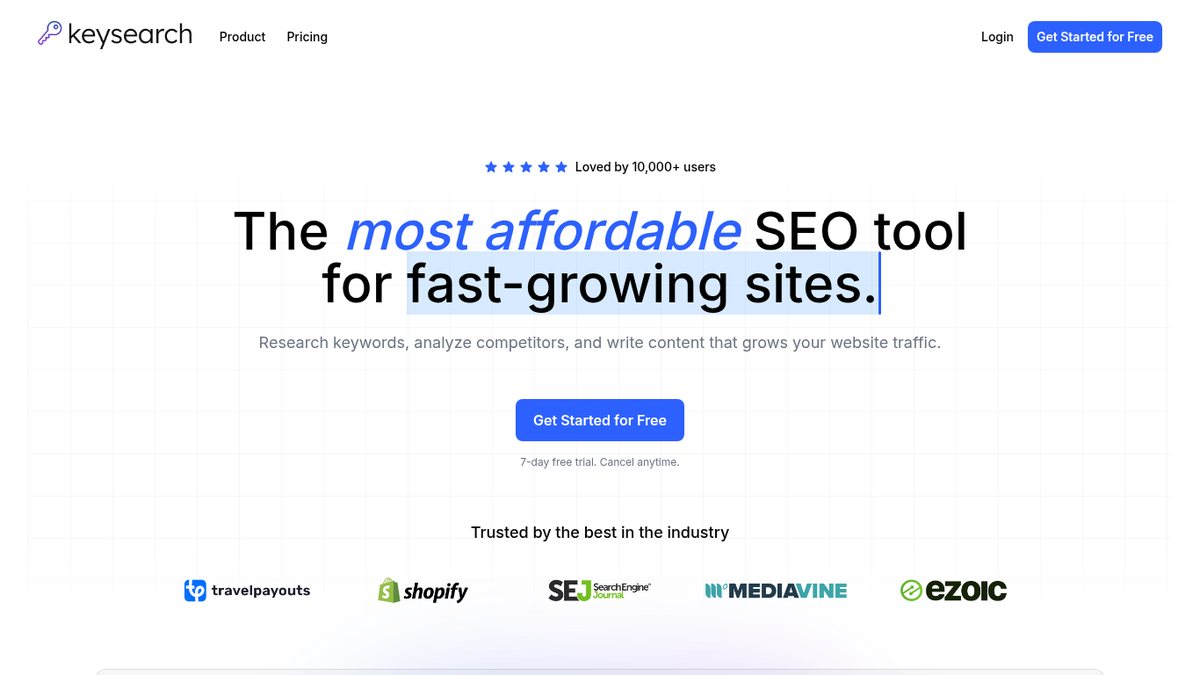
KeySearch is a low-cost keyword tool for bloggers and small sites that want dedicated keyword research for about $24 a month. It gives volume, cost per click, a 0 to 100 difficulty score, competitor ranking keywords, live SERP analysis and YouTube keyword research. Pro adds Foresight AI keyword recommendations. Separate free standalone tools include a keyword difficulty checker.
There is a 7-day free trial. Starter is $24 with 200 keyword searches a day, Pro is $48 a month with 500, and annual billing gives 2 months free (prices sit on the homepage, since there is no separate pricing page).
Keyword Surfer
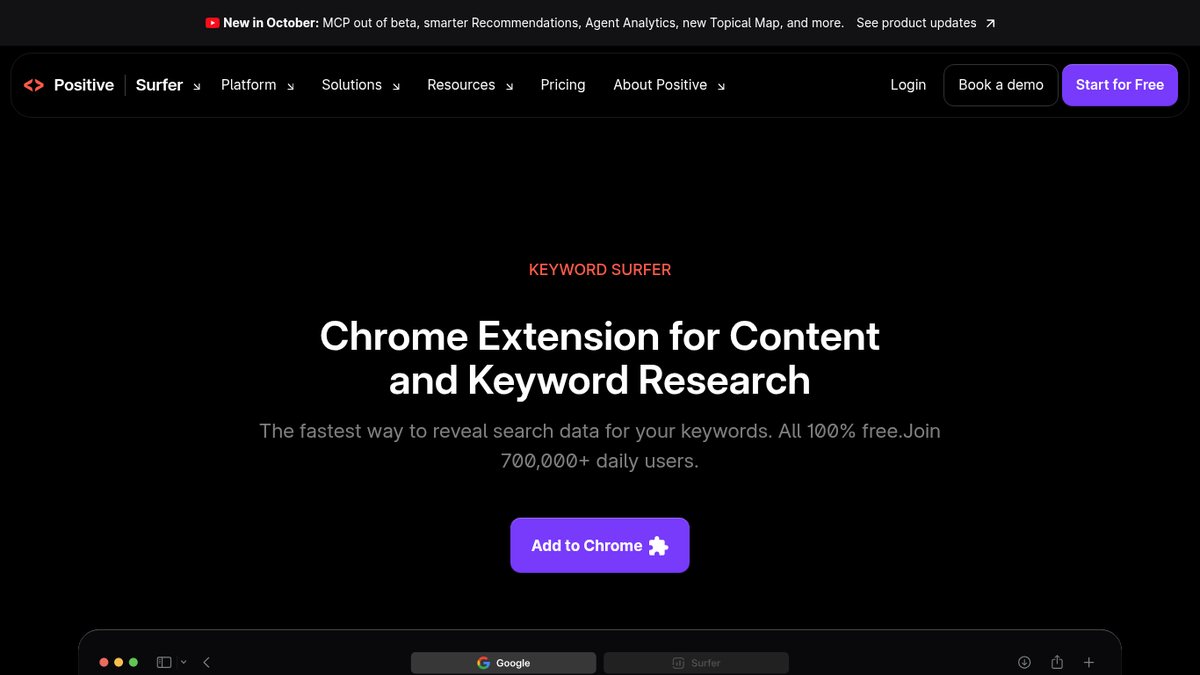
Keyword Surfer is a free Chrome extension that shows search volume, cost per click and keyword ideas in a side panel next to Google results. Anyone who wants free volume data on the results page with no subscription can use it, with data for 70 countries and Keyword Collections you can export as CSV.
The extension is free. Surfer’s separate app plans are billed yearly and start at $49 a month, and Keyword Research is not included on that entry plan (pricing page).
Twinword Ideas
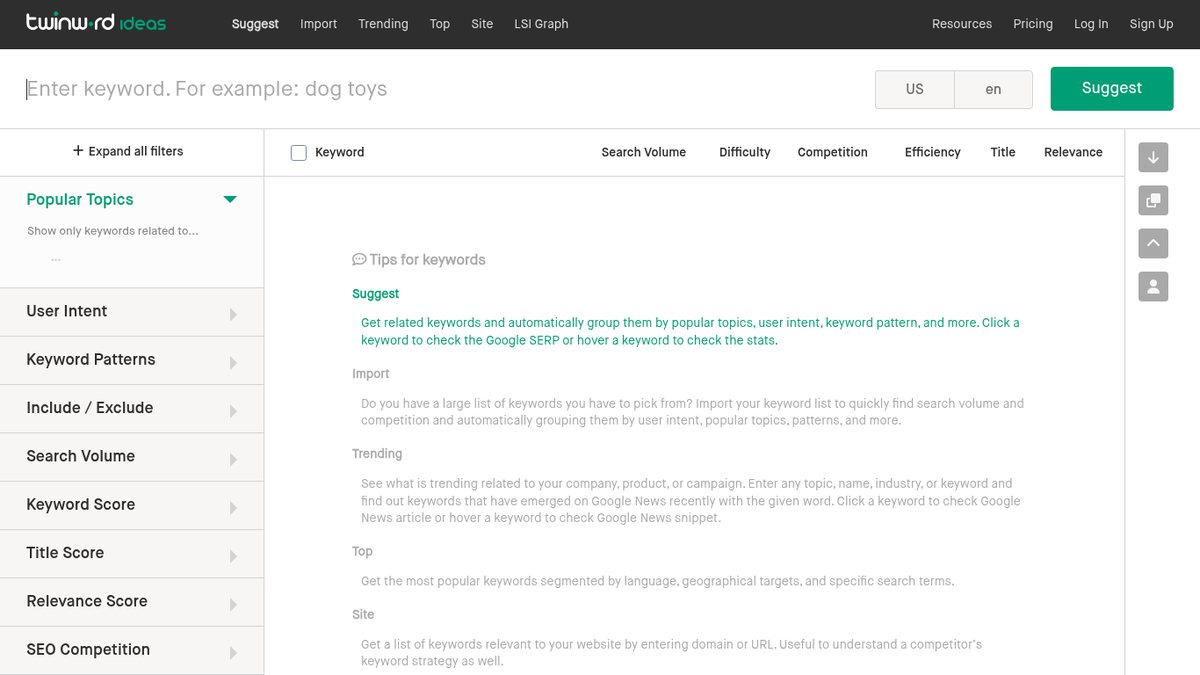
Twinword Ideas is a cheap Keyword Planner alternative for small businesses that like ideas sorted by what the searcher wants. It returns suggestions with volume, SEO difficulty, paid competition and cost per click, then groups them automatically by intent (know, buy, do, local), topic and pattern. You can also bulk import keywords or pull keywords for a competitor’s URL.
The Basic plan is free, with 2 suggestion searches a day and 6,000 suggestions a month (quotas are subject to change). Plus costs $18 a month, or $12 a month billed annually (pricing page).
Wordtracker
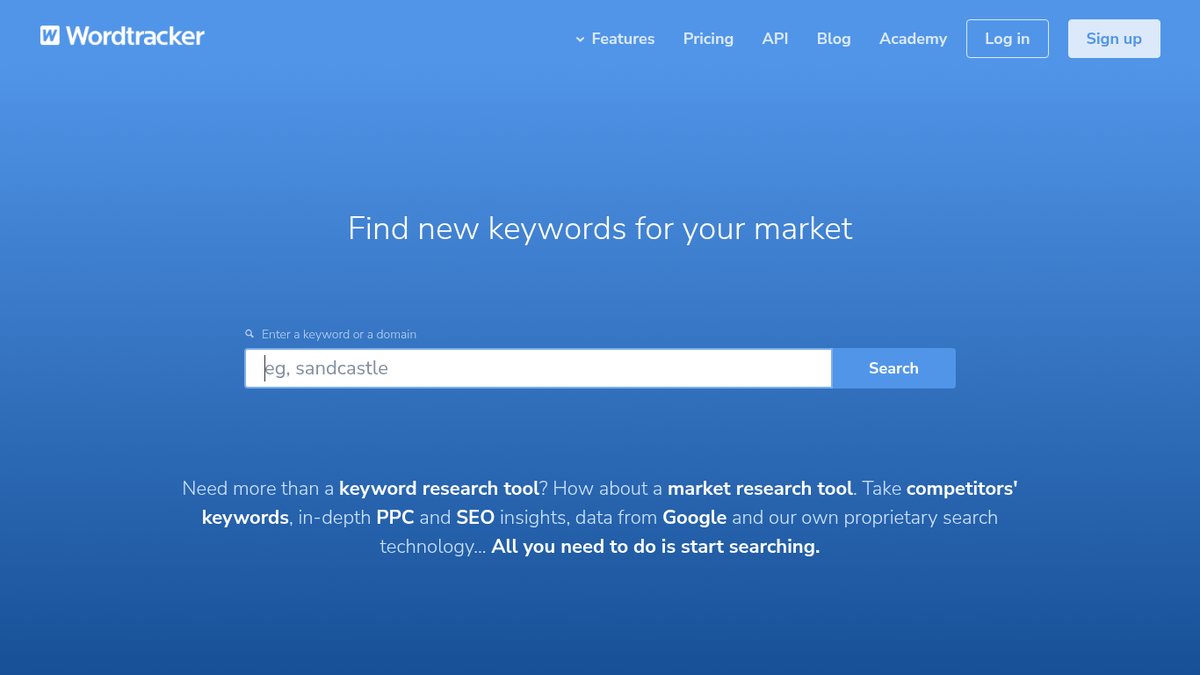
Wordtracker is a long-running keyword tool with volume, competition and cost per click, a Questions filter for question-style keywords, and a domain tool that shows the keywords driving traffic to a competitor. Wordtracker suits small businesses that want question keywords in a dedicated tool.
No free plan is listed. The first month costs $10, then it rolls onto a paid plan such as Bronze at $24 a month billed monthly (500 searches a day), and there is a 30-day money-back guarantee (sign-up page).
Keyword Revealer
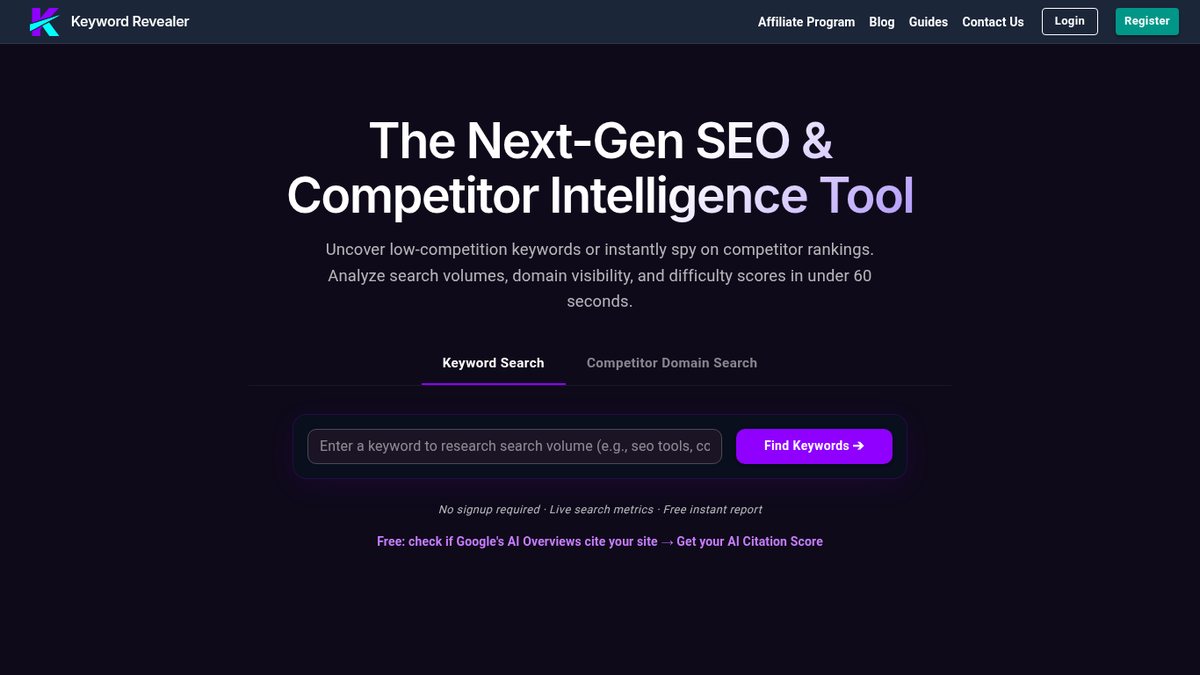
Keyword Revealer is a low-cost keyword tool with volume, cost per click, its own difficulty score aimed at low-competition long-tail terms, and an interactive Keyword Tree for topic clustering. It now markets itself as an “AEO & GEO Intelligence Platform” and leads with AI-citation monitoring, yet the keyword research tool is still there. Keyword Revealer suits budget buyers who want keyword work plus a first look at AI-answer visibility.
The free plan gives 50 keyword suggestions per search, 7 keyword evaluations a day and 3 AI visibility audits a day. Paid SEO plans billed annually start with Basic at $12.50 a month ($150 a year) (homepage pricing section).
WriterZen Keyword Explorer
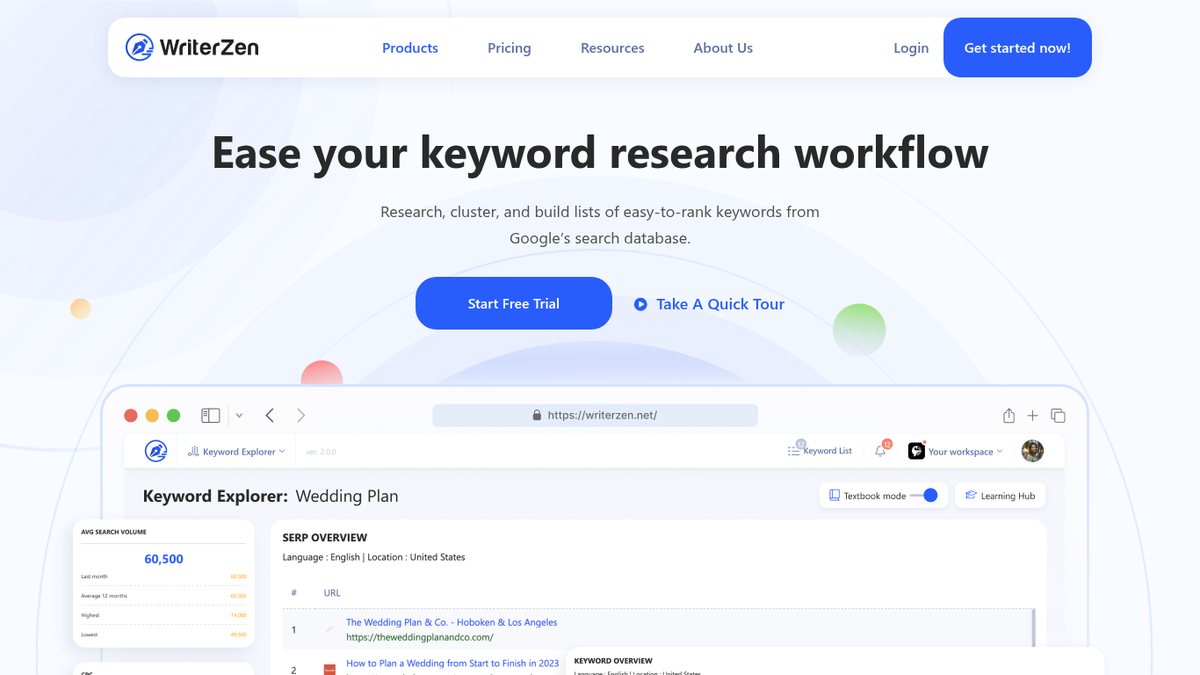
WriterZen Keyword Explorer is a one-time-purchase keyword tool for bloggers who prefer a lifetime license over a monthly subscription. It uses Google data and is known for its allintitle “Golden Filter” for low-competition scoring, plus wildcard search, clustering and a revenue forecast based on organic click-through by position.
This is a one-time lifetime purchase rather than a free-trial model: Keyword Research is $75, All-In-One Basic $150 and All-In-One Advanced $225, with a 21-day money-back guarantee (pricing page). Lifetime-deal prices shift with promotions, so check the page before buying.
SECockpit
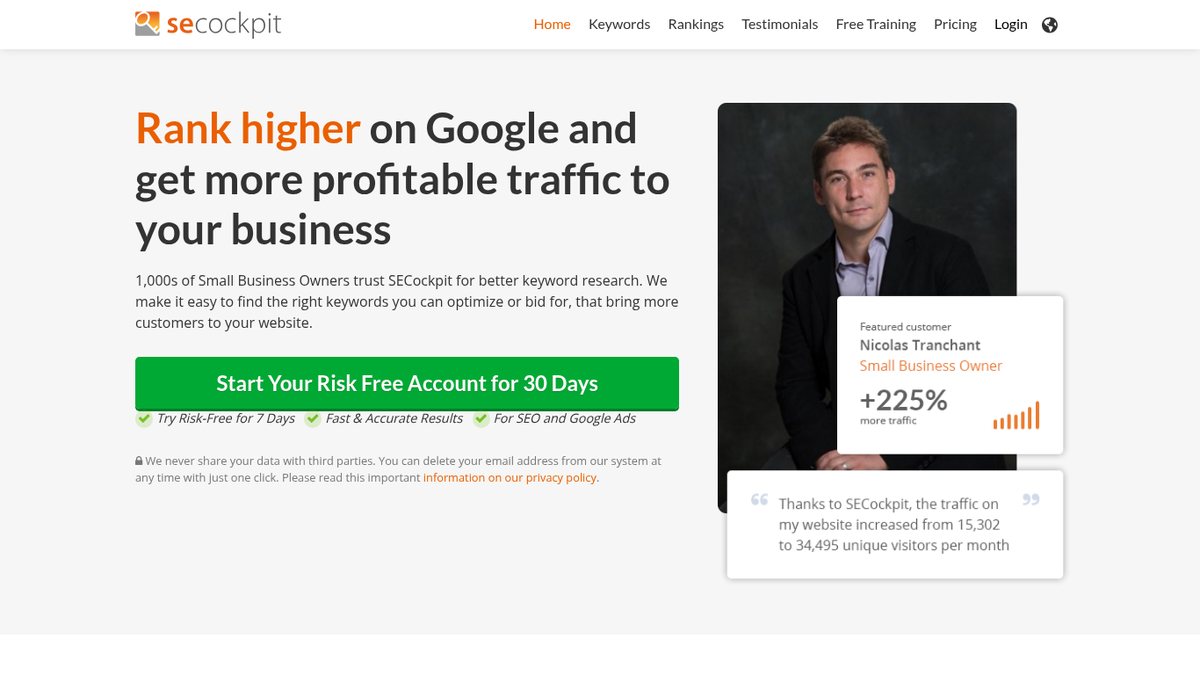
SECockpit is a browser-based keyword tool for niche-site builders who want many idea sources and a competition check in one place. It pulls ideas from Google Ads data, Google Suggest, related searches, YouTube and Amazon, then analyzes the top-ranking pages for each keyword. A traffic and conversion calculator is included, and a rank tracker comes bundled on Pro and Agency.
There is no free plan. Personal costs $39 a month or $299 a year (10 keyword searches a day), and plans carry a 30-day money-back guarantee (pricing page).
Local Keyword Research Tools
For local keyword research, pair city-level volume from Google Keyword Planner with the search terms in your Google Business Profile Performance report. Microsoft’s Keyword Planner, Semrush and SE Ranking also support city-level targeting, which matters most for local SEO. The Business Profile report only shows what already finds you; it suggests nothing new.
Google Business Profile Performance report
The Google Business Profile Performance report lists the actual Google Search and Maps searches people used to find your business profile. Local businesses use it to check which searches already find them, much as Search Console does for a website. The list updates monthly with a selectable date range, and you can download data for multiple profiles in bulk from Business Profile Manager.
It includes searches from both organic results and Google Ads, so treat it as directional. The report is free and requires a verified Business Profile you own or manage (Google Business Profile page).
Local Falcon Local Keyword Tool
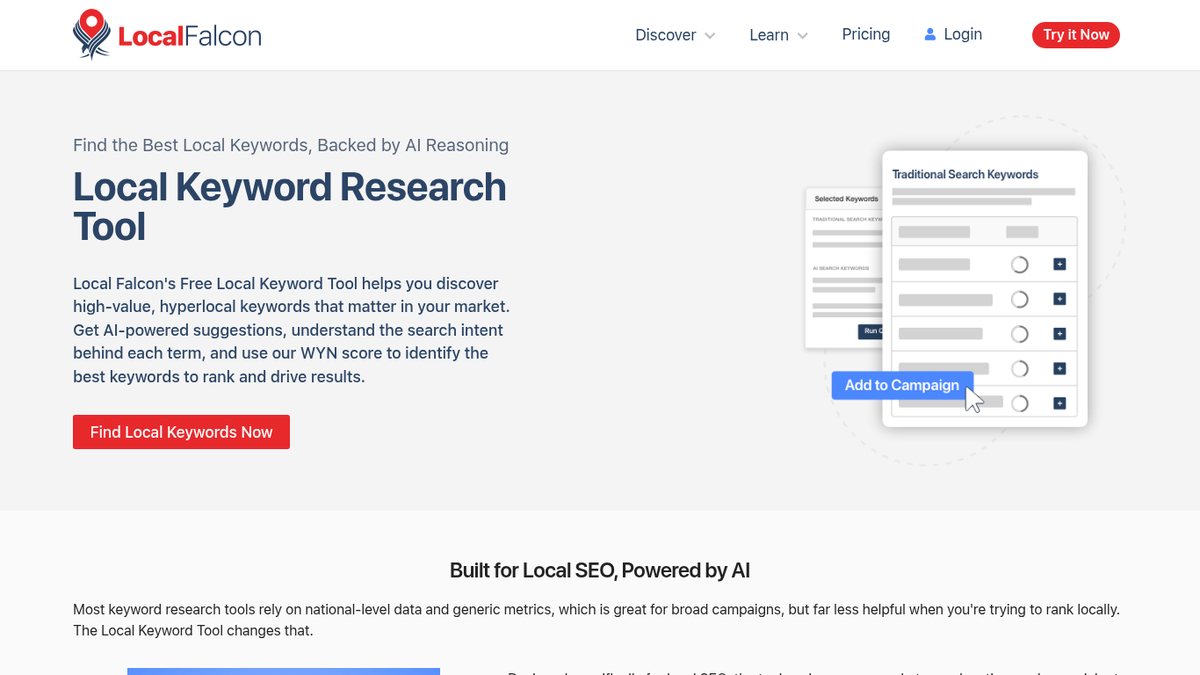
Local Falcon Local Keyword Tool suggests local keyword ideas for any city, region or zip code, with volume, difficulty and intent, plus a separate list of AI-search style phrases. Local service businesses planning location pages and Google Business Profile keywords get a WYN (Weighted Yield Number) score from 1 to 100 for prioritizing, and a one-click hand-off to geo-grid scans. The suggestions are AI-generated and the volume source is not disclosed.
The keyword tool is described as free and unlimited with every Local Falcon plan, but it needs a Local Falcon account. Signing up is free with no credit card and includes 100 free credits, and paid credit plans (mainly for geo-grid rank tracking) start at $24.99 a month (pricing page).
What each local source gives you
Business Profile report
The searches that already find you. It suggests nothing new.
Keyword Planner
City-level volume for the keywords you care about.
Local Falcon tool
Fresh ideas by city or zip code, AI-generated, with an undisclosed volume source.
Question and Topic Research Tools
People search in full questions (when, how, why, what, who) and with prepositions such as for, with and near. These tools mine those questions for FAQs, blog topics and People Also Ask coverage, and AnswerThePublic also mines the preposition phrasings.
AnswerThePublic
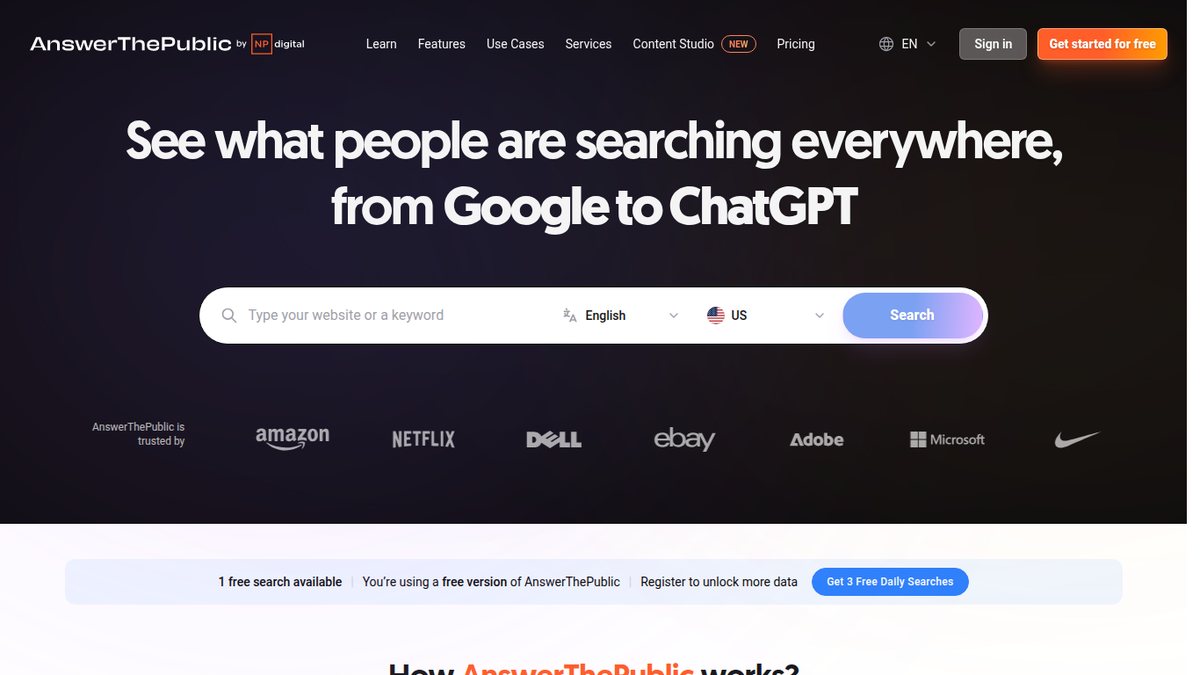
AnswerThePublic turns a topic into the questions, comparisons and phrases people search across Google, YouTube, Amazon, ChatGPT and more, now with volume and cost per click. It is now branded “by Neil Patel” (NP Digital). Content planners use it for FAQs, blog topics and question-style keywords, and search listening alerts flag newly appearing questions.
A free account allows 3 searches a day; volume and cost per click show for only two branches per report, and XLSX exports are capped at 30 keywords. Monthly plans come with a 7-day free trial, and under the current “4 free months” offer, Starter is US$13.33 a month on yearly billing (100 searches a month) (pricing page).
AlsoAsked
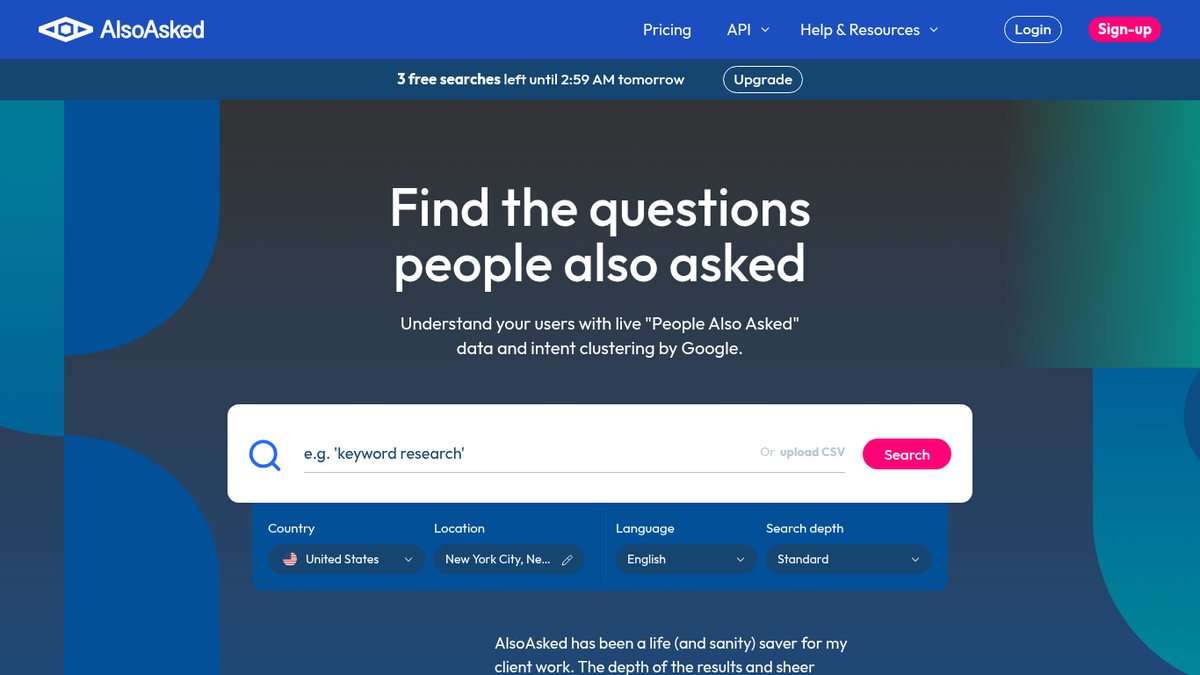
AlsoAsked maps Google’s live People Also Ask questions for any search, down to city level, so you can see how questions branch. It is best for building FAQ sections and article outlines that match the questions Google already shows. Deep Search returns many more questions per query, and you can bulk search up to 1,000 terms by CSV.
Everyone gets 3 free searches with no account, and the allowance refreshes, though the vendor’s help page says daily while its pricing page says monthly. Deep searches are not available on the free tier. Paid monthly plans start with Basic at $15 a month (100 credits), plus tax (pricing page).
KeywordsPeopleUse
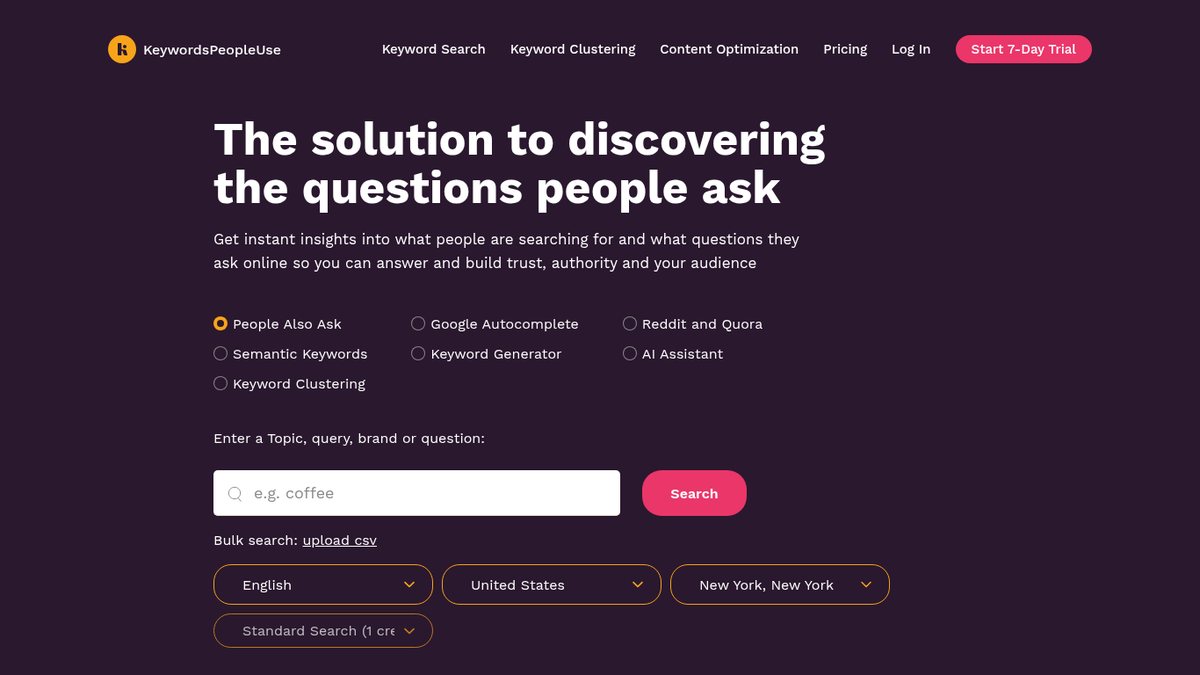
KeywordsPeopleUse collects People Also Ask questions with answers and source URLs, Google Autocomplete suggestions, and Reddit and Quora questions, then clusters them using live search results. Content teams that want question mining and keyword grouping in one low-cost tool get CSV export and email alerts for newly surfaced questions. Its pages describe no search-volume metrics, so check volume elsewhere.
KeywordsPeopleUse opens full access for 7 days, but you enter a card to start the trial. Paid plans start at $15 a month (Lite, 150 credits) (pricing page).
Answer Socrates
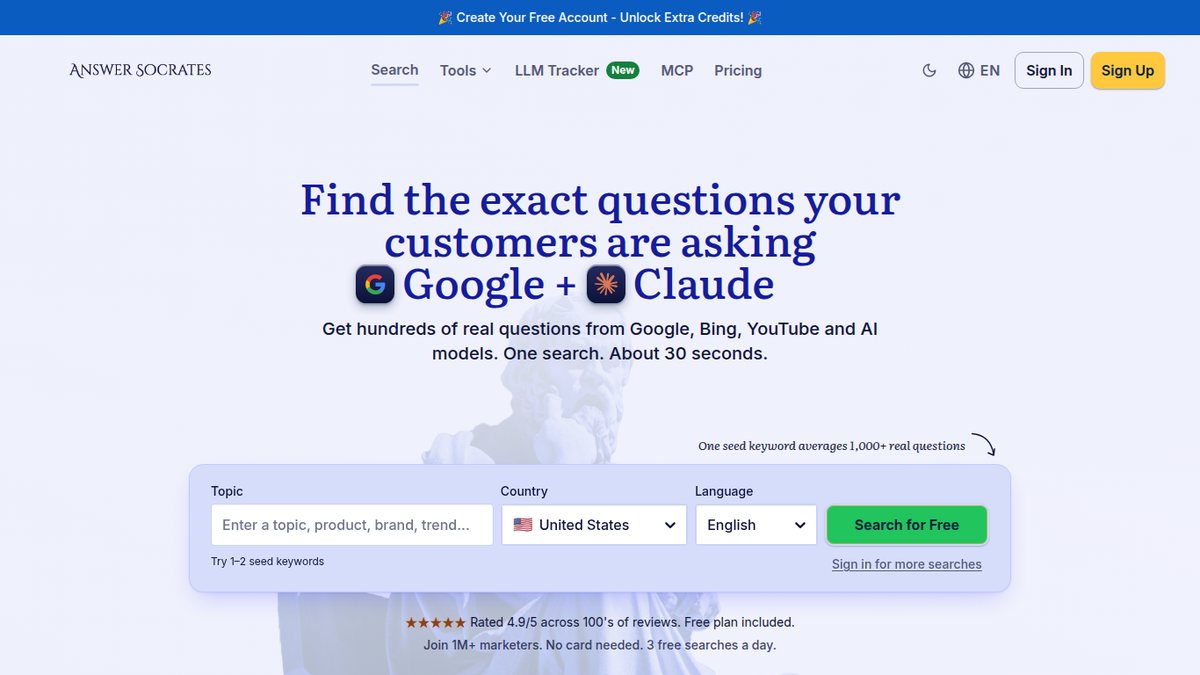
Answer Socrates turns one starting keyword into hundreds of real question and long-tail ideas, with one-click clustering by meaning and intent. Answer Socrates suits budget content planning, though volume and cost data need a paid plan. It also extracts People Also Ask questions and shows trending topics by country and language.
The free plan allows 3 keyword searches and 1 recursive search a day, with no volume, CPC or competition data. Paid plans start with Socrates Lite at $19 a month, or $15.83 a month billed yearly at $190 (pricing page).
QuestionDB
QuestionDB mines real questions from Google results, People Also Ask, Reddit and Quora, and adds volume, difficulty and cost per click on paid plans. It is a good match for low-budget question research, with an AI keyword extractor for any page and intent labels in 7 languages.
The free plan allows 5 searches a month with no credit card, though its listing does not include volume, difficulty or CPC. Paid plans start at Solo for $9.99 a month (100 searches) (pricing page).
Long-Tail and Autocomplete Keyword Tools
These tools expand one starting keyword into hundreds of long-tail phrases pulled from search-engine autocomplete. Autocomplete tools mostly give ideas, not demand numbers, so check volume in a free Google tool or a suite before you commit.
Keyword Tool (keywordtool.io)
The free generator at Keyword Tool needs no account and returns up to 750+ autocomplete suggestions across 190+ Google domains and 120+ languages. That makes it quick long-tail brainstorming for Google, YouTube, Amazon, TikTok and more. The Pro version adds volume and cost per click across 16 platforms, but only the Google and Bing volumes come from their keyword planners; other platforms use clickstream estimates.
Pro starts at $88 a month billed monthly, or $68 a month billed annually (Starter, 50 requests a day), with no free trial but a 30-day money-back guarantee on every plan (Pro page).
Keyword Tool Dominator
Keyword Tool Dominator offers free daily autocomplete searches for Google, YouTube, Amazon, eBay, Walmart and more, so sellers and small businesses can get marketplace and Google long-tail ideas without a subscription. It adds wildcard search, question and preposition tools, and clustering. It shows a relative popularity score, not search volume, by design, and the dashboard needs a Chrome or Edge extension.
The free tier gives 2 searches a day per keyword source, with no signup. Paid plans are one-time payments rather than subscriptions: a 30-day Plus pass is $9, longer passes start at $19 for 90 days, $39 for a year or $89 for lifetime, and Max lifetime is $149 (pricing page).
Soovle
Soovle shows autocomplete suggestions from up to six engines side by side, including Google, Amazon, YouTube and Pinterest, which makes it fast, free brainstorming across several platforms at once. You can star favorites and export the list. It now belongs to SEO.com. It offers ideas only, with no volume, difficulty or cost per click. Use is completely free with no account (Soovle page).
Yoast Google Suggest Expander
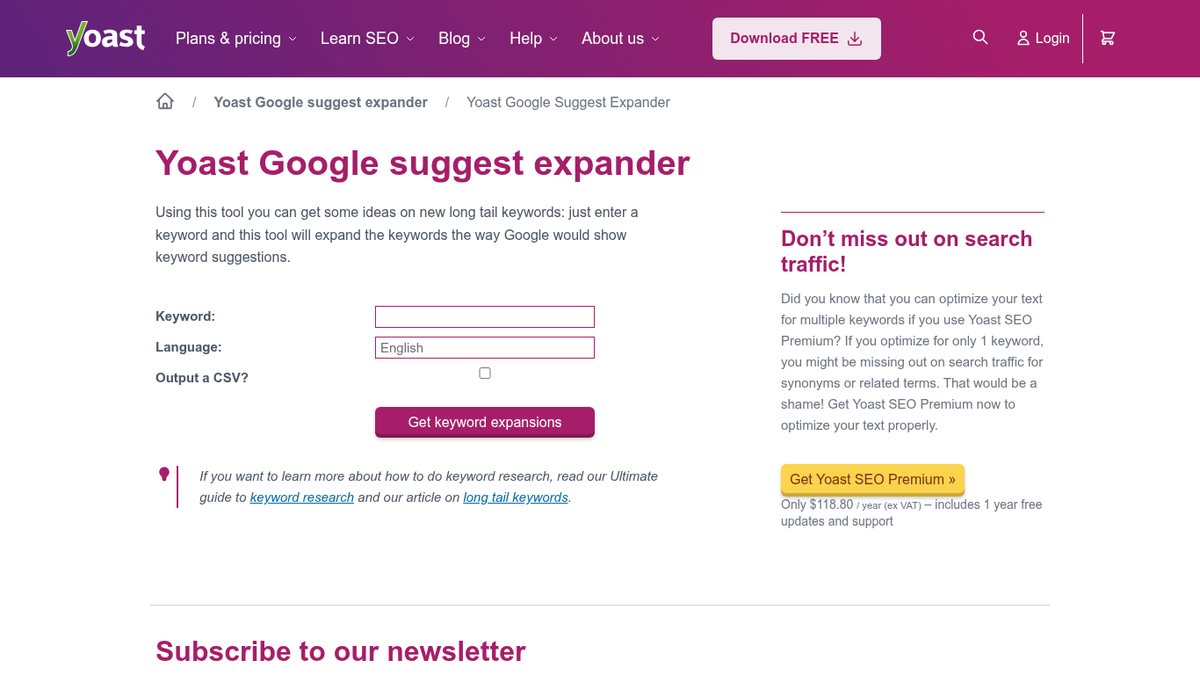
Yoast Google Suggest Expander expands a keyword into hundreds of Google Autocomplete suggestions, A to Z, with no login, support for about 80 languages and optional CSV output. It makes quick free long-tail lists. There is no volume data and no country selector, so results can mix countries and are not tied to one market. The tool has no paywall; the page only advertises Yoast SEO Premium separately (tool page).
Low-Competition Keyword and Keyword Clustering Tools
These tools look for keywords a small site can realistically rank for. They also handle keyword clustering, which means grouping a keyword list into pages by what shows up in live search results.
LowFruits
LowFruits finds long-tail keywords where weak sites already rank on page one, so a small site has a realistic shot. Small sites and local businesses looking for keywords they can actually win get bulk SERP analysis that flags low-authority sites, plus intent filters, clustering and a built-in rank tracker.
Use is limited on the free side: your first analysis is on the house, and pay-as-you-go includes 3 free keyword-finder searches every 7 days. Standard costs $29.90 a month billed monthly (3,000 credits) (pricing page).
Keyword Chef
Keyword Chef finds wildcard autocomplete ideas with automatic junk filtering, then runs bulk SERP checks that flag easy-to-rank keywords. Publishers and small sites that want low-competition lists with volume get average, high and low monthly volume by country, plus a SERP Score.
A free trial needs no credit card. Monthly plans start with Starter at $29 a month (5,000 credits), and pay-as-you-go credits never expire; pricing lives on the app’s Credits page (Credits page).
Allintitle
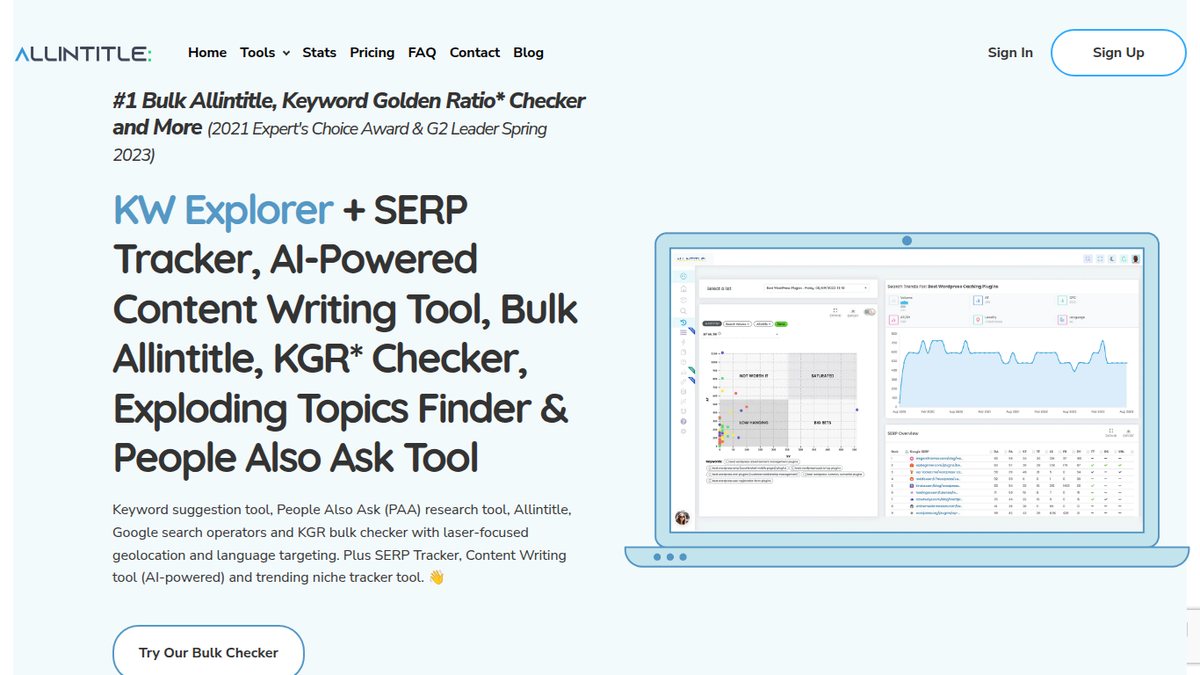
Allintitle finds long-tail and question keywords and runs bulk allintitle and Keyword Golden Ratio checks to spot low-competition phrases. It suits niche and local sites that use that method to pick winnable keywords. It also includes a People Also Ask tool and a ranking gap across up to 5 competitor sites.
The free tier is a one-time grant of 10 pay-as-you-go credits (a keyword search uses 2), which is closer to a trial. Pay-as-you-go starts at $30 for 600 credits, and monthly plans start at $49 a month (monthly plans page).
Keyword Insights
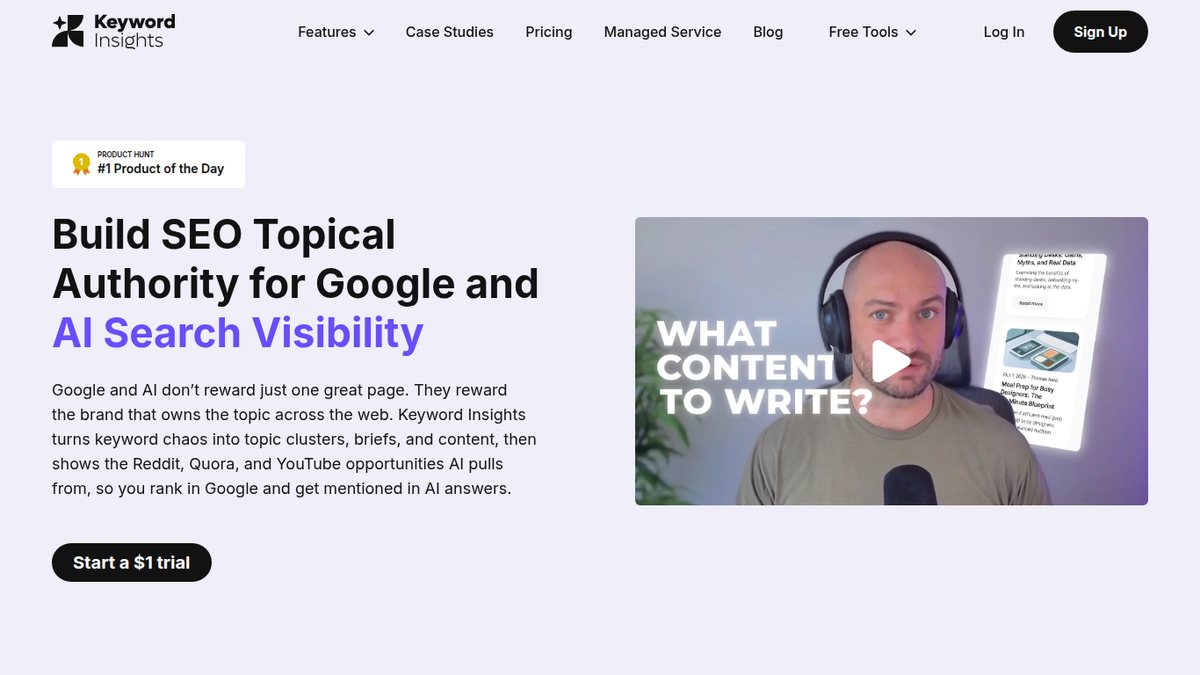
Keyword Insights groups keywords by how much their Google results overlap, so you know which keywords belong on the same page. It turns a long keyword list into a page-by-page content plan, with a search intent breakdown per cluster and Search Console import beyond the 1,000-row limit. There is no native keyword difficulty score, so you bring your own.
A $1, 7-day trial includes 5,000 one-time credits, and the FAQ says a valid credit card is required. After the trial you drop to the free pay-as-you-go tier, whose credits work only for clustering and expire after 30 days; paid plans start with Basic at $58 a month (pricing page).
Keyword Cupid
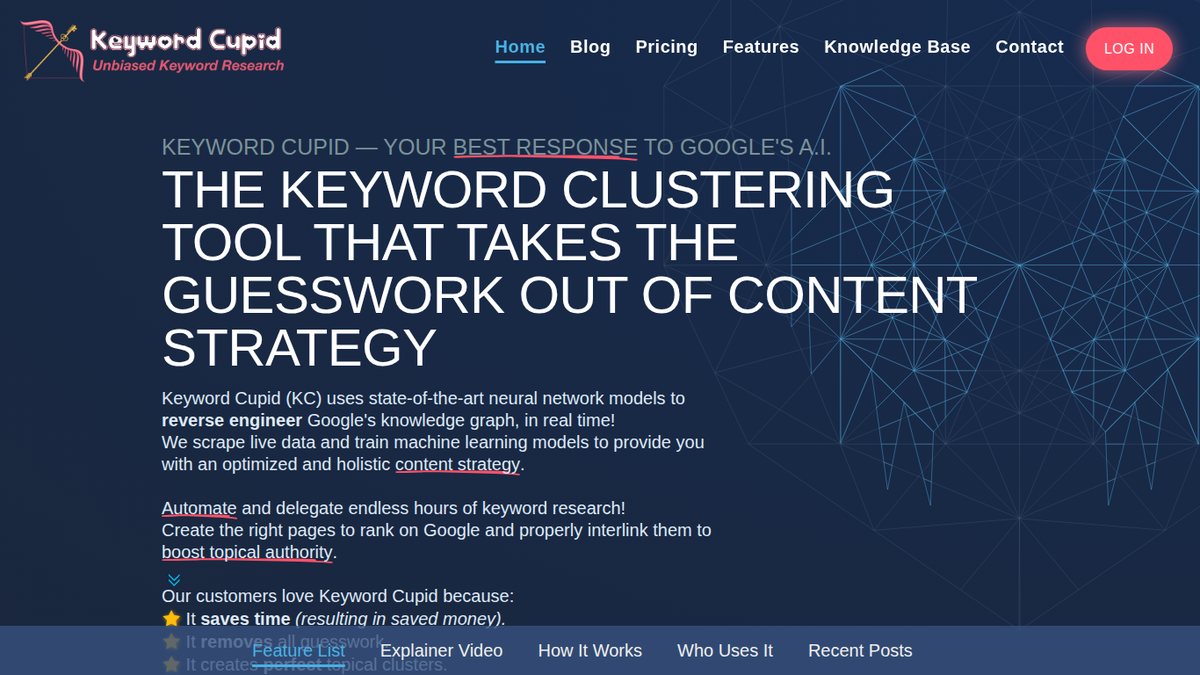
Keyword Cupid clusters a keyword list into topic groups using live Google results. It doesn’t find keywords, so you upload a list. Site owners with an existing keyword export get a cheap clustering pass and a map of which keywords belong on which page, and it carries over volume, difficulty and CPC from Ahrefs or Semrush exports.
Starter costs $9.99 a month (500 keyword credits). The pricing page meta says there is a 7-day free trial of the highest package, and there is no permanent free plan (pricing page).
Competitor and PPC Keyword Research Tools
These tools show which keywords competitors rank for or bid on, and what a keyword costs to advertise on. A keyword gap report lists the keywords a competitor ranks for that you do not.
SpyFu
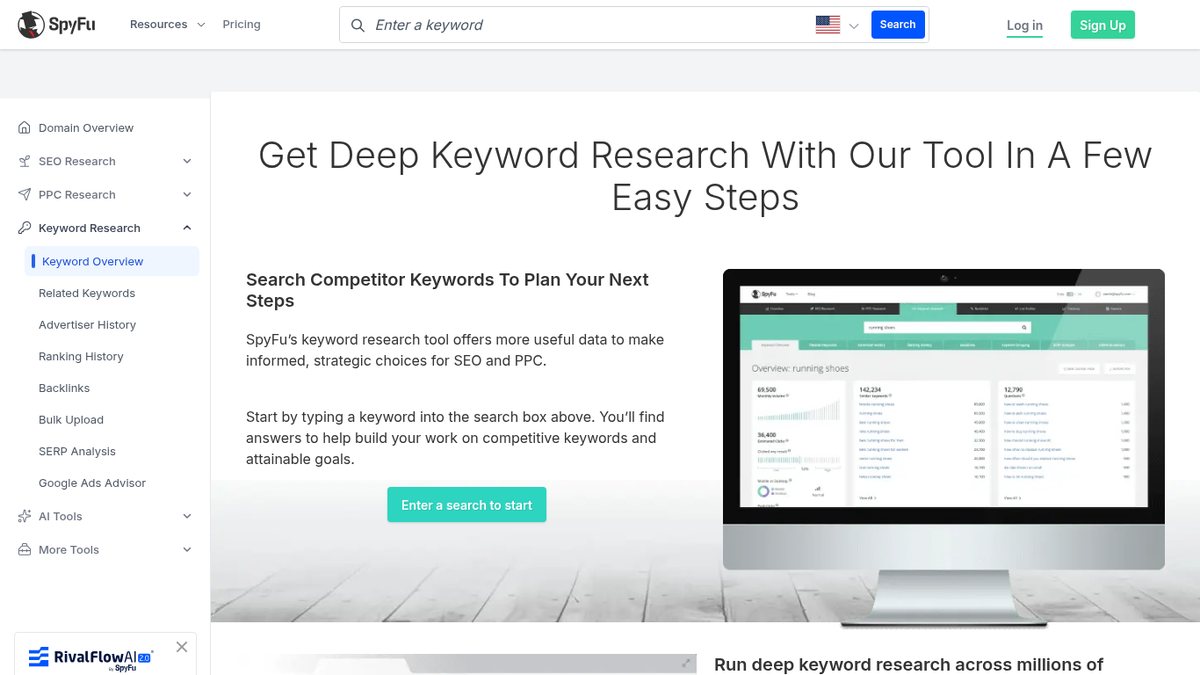
SpyFu lets you see every keyword a competitor buys or ranks for on Google, plus their ad history, at a small-business price. Businesses running or planning Google Ads use it to copy what works for competitors, with a Kombat keyword-gap comparison and a related-keyword generator that filters by volume, cost per click and difficulty. Organic ranking history and long ad history aren’t in the Basic plan.
Basic is $39 a month billed monthly, or $29 a month billed annually, and every plan has a 30-day money-back guarantee (pricing page).
WordStream Free Keyword Tool
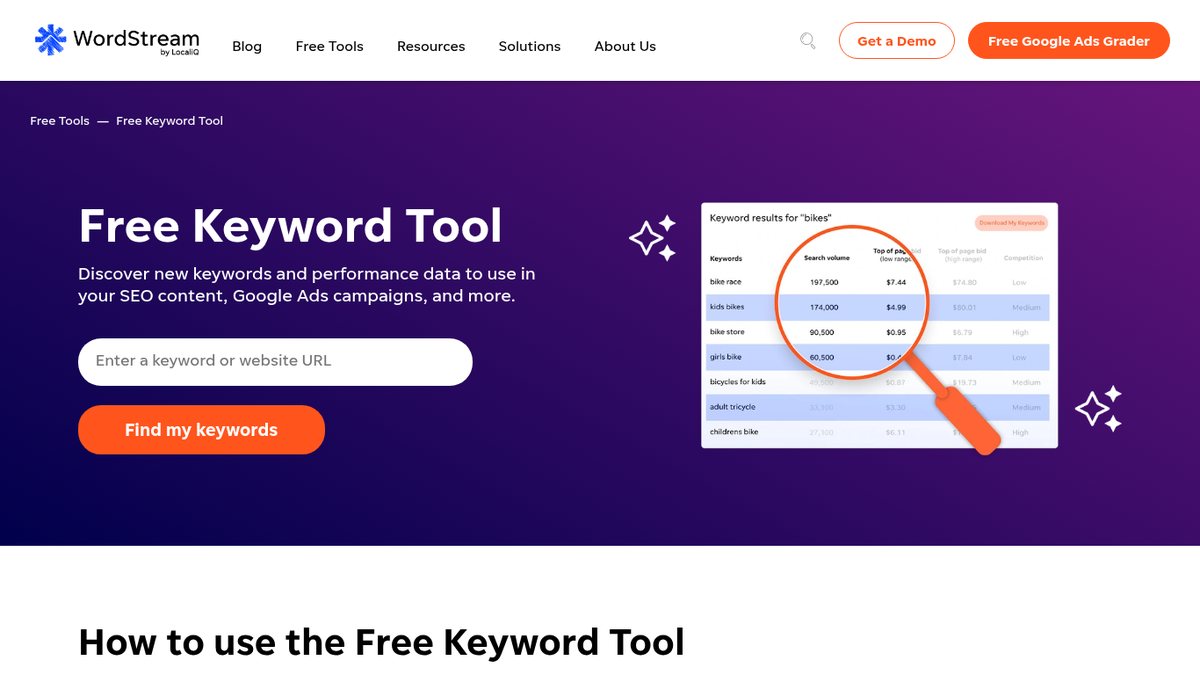
WordStream Free Keyword Tool gives unlimited keyword ideas with Google volume, competition and bid ranges from a keyword or any website URL, including a competitor’s. Small businesses that want Keyword Planner-style data without setting up Google Ads will find it useful, and you can filter by industry and location.
It’s free, with unlimited runs. The first 25 keywords show on the page, and the full list requires an email address and arrives as a CSV (WordStream page).
Similarweb
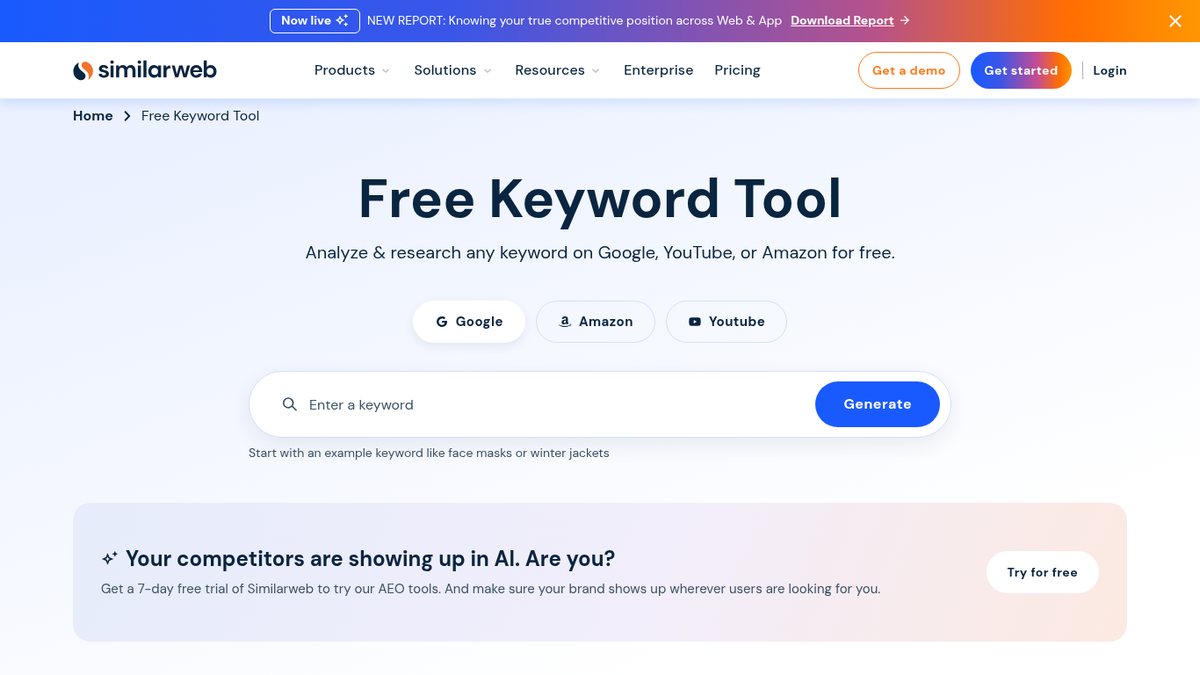
Similarweb pairs competitor traffic with keyword data across Google, YouTube and Amazon, for marketers who need both together. It adds Keyword Gap and Paid Keywords for competitors, plus difficulty, intent and zero-click share. Most small businesses should start with its free Keyword Generator, because keyword research needs a paid plan, covered below.
Keyword research needs the “Competitive Intel & SEO & AEO” plan at $333 a month billed annually ($399 billed monthly) for 1 user; the $125-a-month (billed annually; $199 billed monthly) Competitive Intelligence entry plan does not include SEO or keyword research. Self-service plans have a 7-day free trial. These figures come from data embedded in the pricing page, so confirm them there (pricing page).
Trends and AI Search Demand Tools
Every AI “prompt volume” figure is a modeled estimate, not a count from the AI companies, so use it to compare topics. With that limit in mind, these tools spot rising searches and seasonality early and estimate what people ask AI assistants such as ChatGPT and Gemini.
Exploding Topics
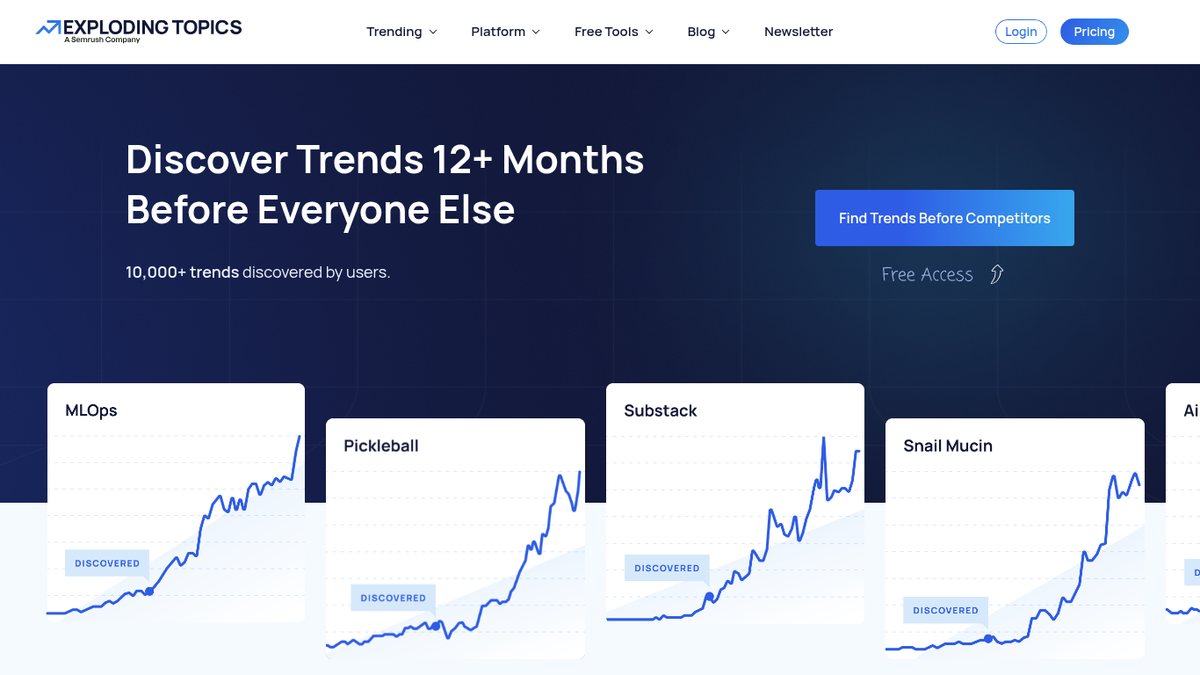
Exploding Topics is a curated database of fast-rising search topics with monthly search volume and growth. It is useful for spotting emerging products, services and content topics before competitors do. Semrush, which is listed separately here, owns it. Trend forecasting comes with the Investor and Business plans.
You can browse trending topics for free, with free keyword research, generator and difficulty tools. Pro plans billed annually start with Entrepreneur at $39 a month (100 tracked trends), each with a 7-day free trial (pricing page).
Glimpse
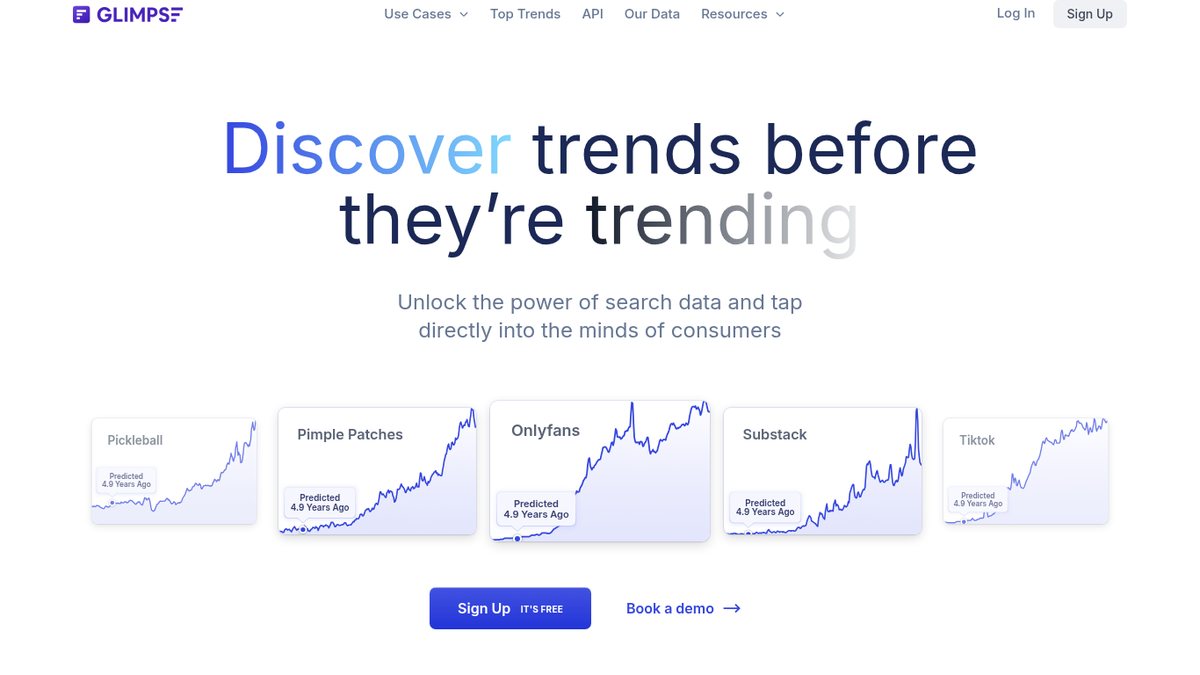
Glimpse is a browser extension that adds absolute search volume, growth rates and forecasts to Google Trends, for anyone who wants real numbers instead of a 0 to 100 index. It includes year-over-year and month-over-month growth, seasonality, spike alerts and one-click export to Google Sheets.
The free plan allows up to 10 searches a month. Paid access starts at $99 a month, a figure taken from Glimpse’s own Google Trends alternatives article.
Treendly
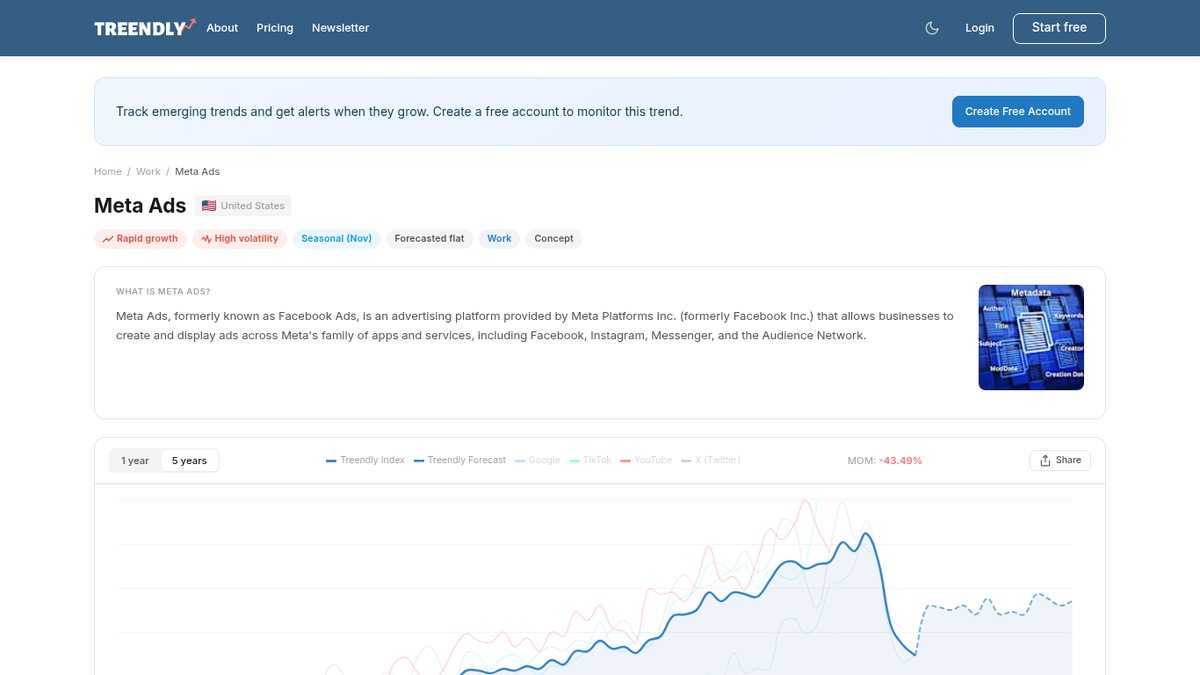
Treendly is a budget trend finder for small businesses that want a cheap alternative to Exploding Topics. Each keyword gets a trend page with Google monthly volume, 1-year and 5-year charts, seasonality and a forecast, plus related queries from Google, YouTube, Pinterest and Amazon.
The free plan costs $0 and lasts forever, with unlimited trend searches and up to 3 monitored trends. Pro is $99 a year with a 14-day free trial, and it monitors 25 trends (pricing page).
Semrush Prompt Research
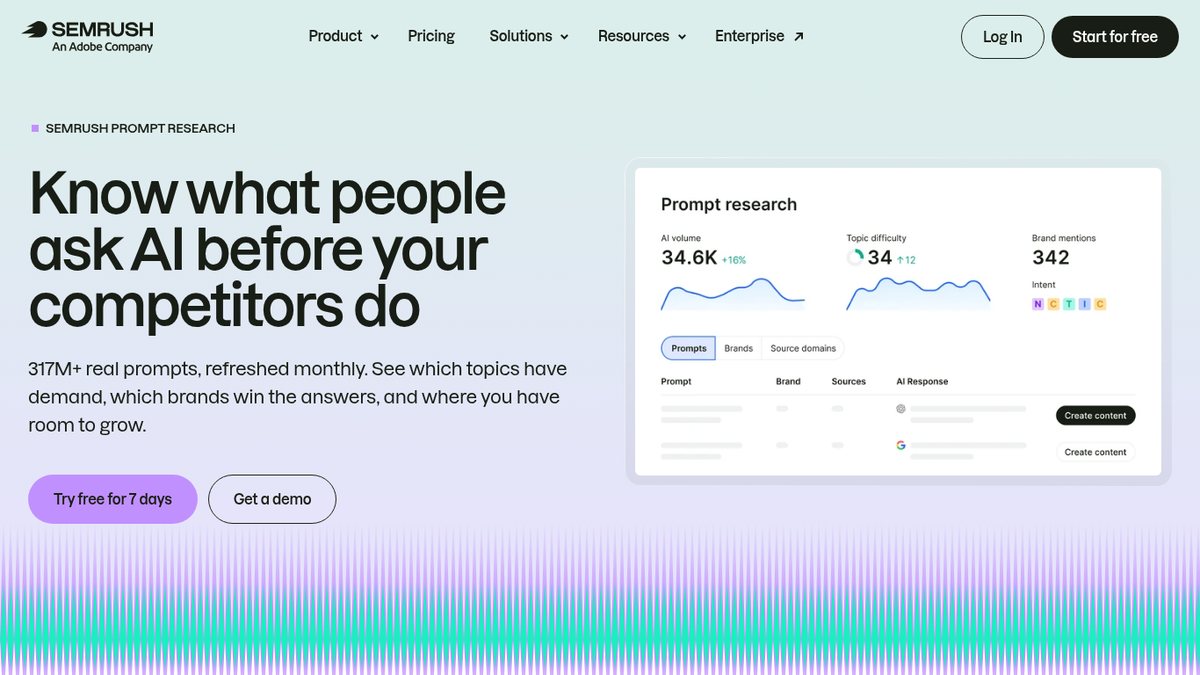
Semrush Prompt Research is keyword research for AI assistants, with estimated demand, difficulty and intent for the topics people ask ChatGPT, Gemini and Google’s AI features. Businesses already on Semrush can see which topics drive AI answers in their market, along with the brands mentioned and sources cited. It is a Semrush product, from the company that also owns Exploding Topics. The AI Volume figure is a modeled estimate, so compare topics rather than counting people.
There is no free plan. The AI Visibility Toolkit Base is $99 a month per domain on the pricing page’s annual-billing view (pricing page).
Profound Prompt Volumes
Profound Prompt Volumes estimates how often topics and keywords come up in conversations with ChatGPT, Gemini, Claude and Perplexity, and it suits larger brands with an enterprise budget researching AI search demand. The volumes are modeled from consumer panels, not data from the AI companies, so compare topics rather than counting people. Intent classification and demographic filters are included.
A free trial for brands gives 5 Prompt Volumes searches and 50 prompts a day for 7 days, with no history, exports or API. Ongoing access appears to need an enterprise plan, priced on request (pricing page).
Keyword Research for YouTube, Amazon, Etsy, Pinterest and Other Platforms
Some searches never happen on Google. These tools cover YouTube, Amazon, Etsy, Pinterest and other marketplaces. YouTube Studio Trends, Pinterest Trends and Amazon Brand Analytics are the platforms’ own first-party data.
YouTube Studio Trends tab
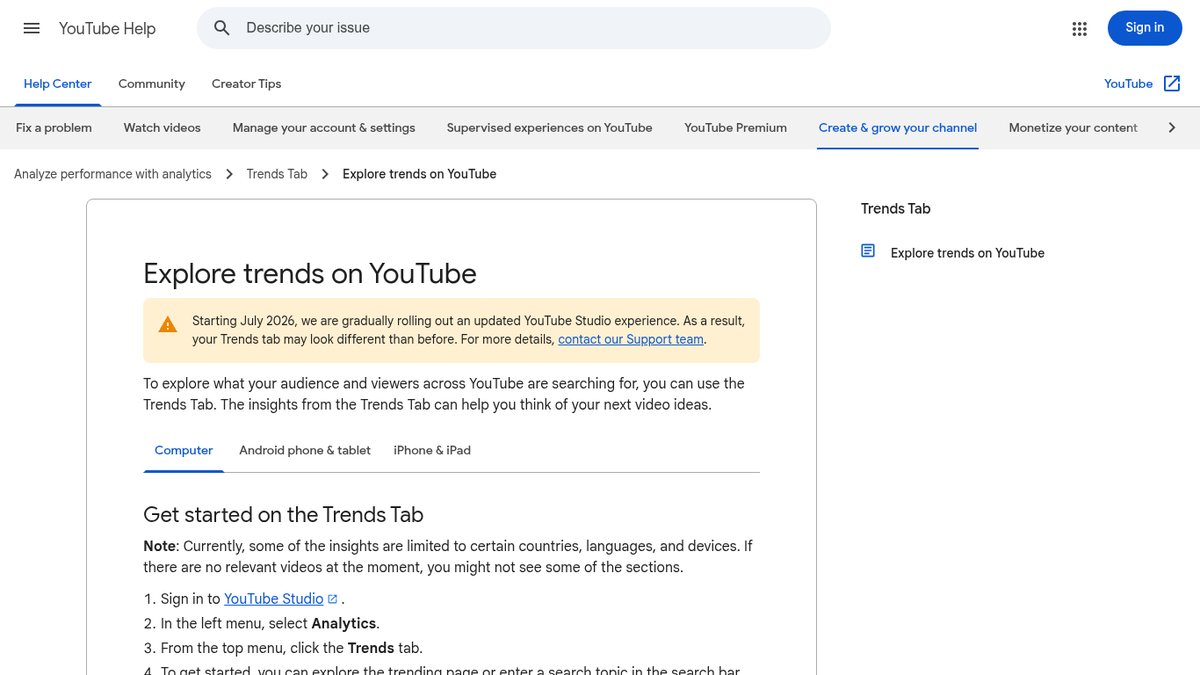
The YouTube Studio Trends tab shows YouTube’s own search data inside Studio: what your audience searches, how interested viewers are, and content gaps where viewers find nothing good. Any business with a YouTube channel gets free first-party video topic ideas, including the top searches by your audience over the last 28 days. It shows relative interest, not volumes, and YouTube has been testing a rename to “Research,” so labels may differ.
YouTube publishes no separate price: Studio comes with any channel, and the setup steps include no payment step (get-started page). It requires signing in with a channel, and some insights are limited to certain countries, languages and devices.
vidIQ
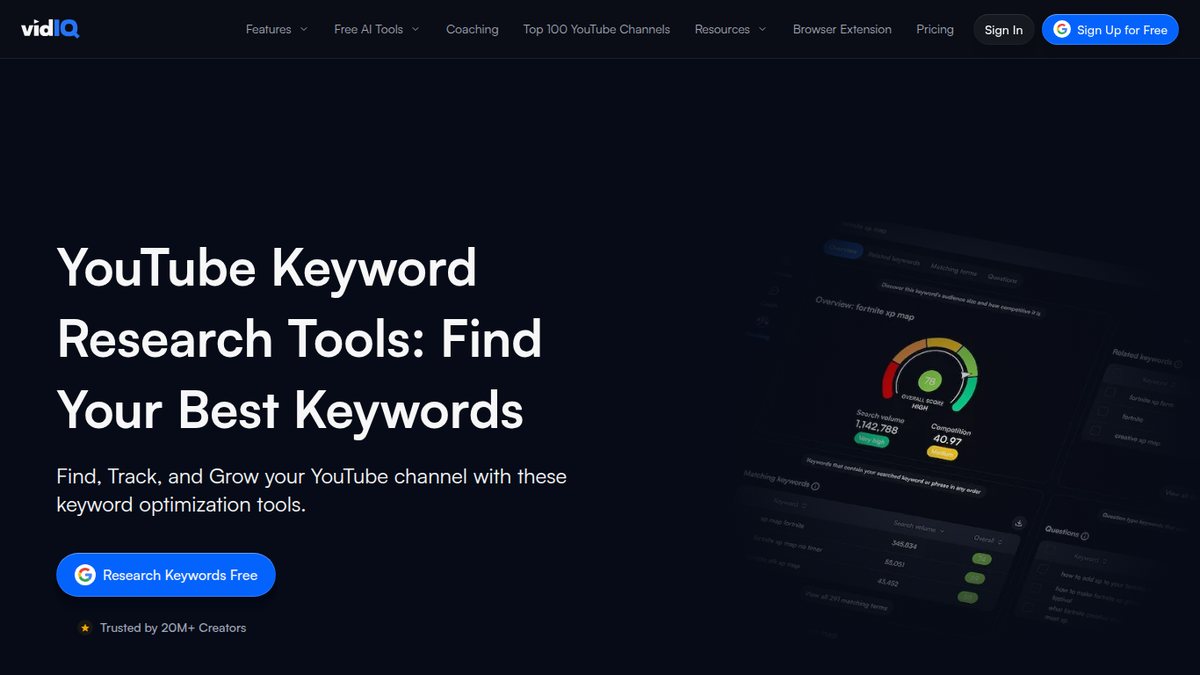
vidIQ is a YouTube keyword tool for businesses growing a YouTube channel. It shows estimated YouTube search volume, competition scores and rising keywords, and its extension adds a Keyword Inspector overlay inside YouTube. vidIQ says all volume data is estimated.
The free plan is $0 and includes 150 AI credits a month, plus basic keyword volume and competition. The first paid plan is $16.58 a month billed yearly (plans page).
TubeBuddy Keyword Explorer
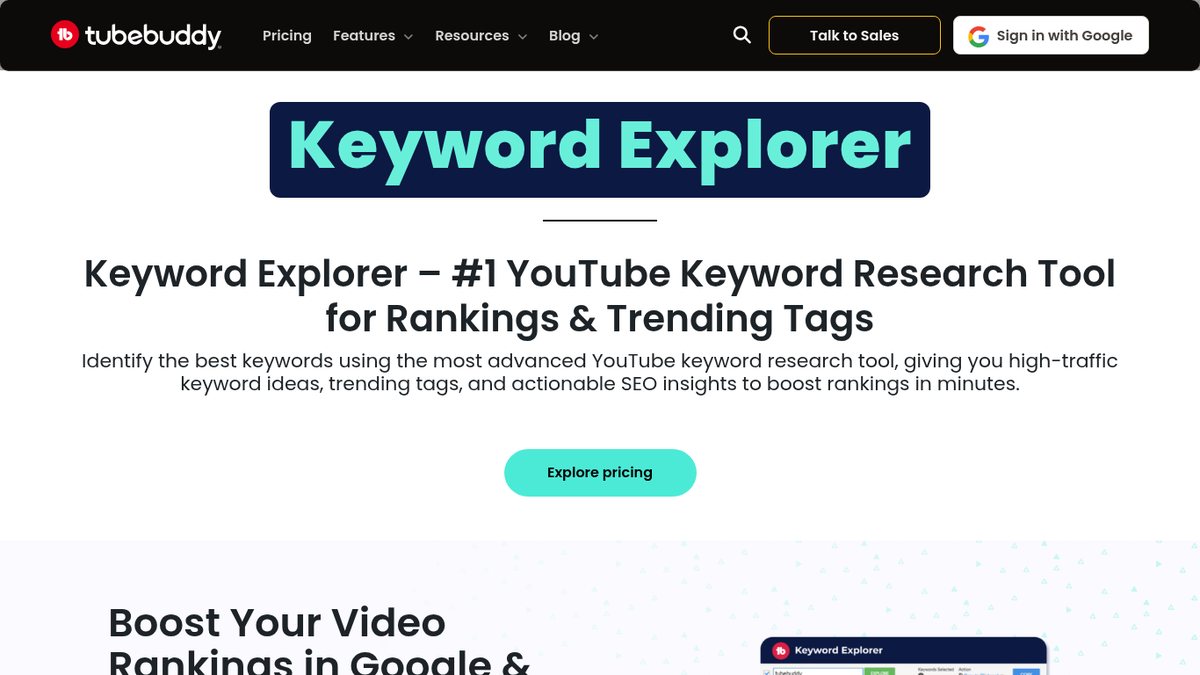
TubeBuddy Keyword Explorer gives a YouTube keyword score built from search volume and competition, with related and long-tail suggestions inside YouTube. Creators and small businesses on YouTube who want a free starting tier also get trending tags and searches over 30 days and 12 months, and competitor keyword analysis.
There is a free plan with limited access. Paid Pro shows $12.00 and Legend shows $26.39, which appear to be monthly prices on yearly billing (pricing page). Pro and Legend are for individual creators; businesses with several channels, 50k+ subscribers or 50+ employees are steered to Enterprise.
Pinterest Trends
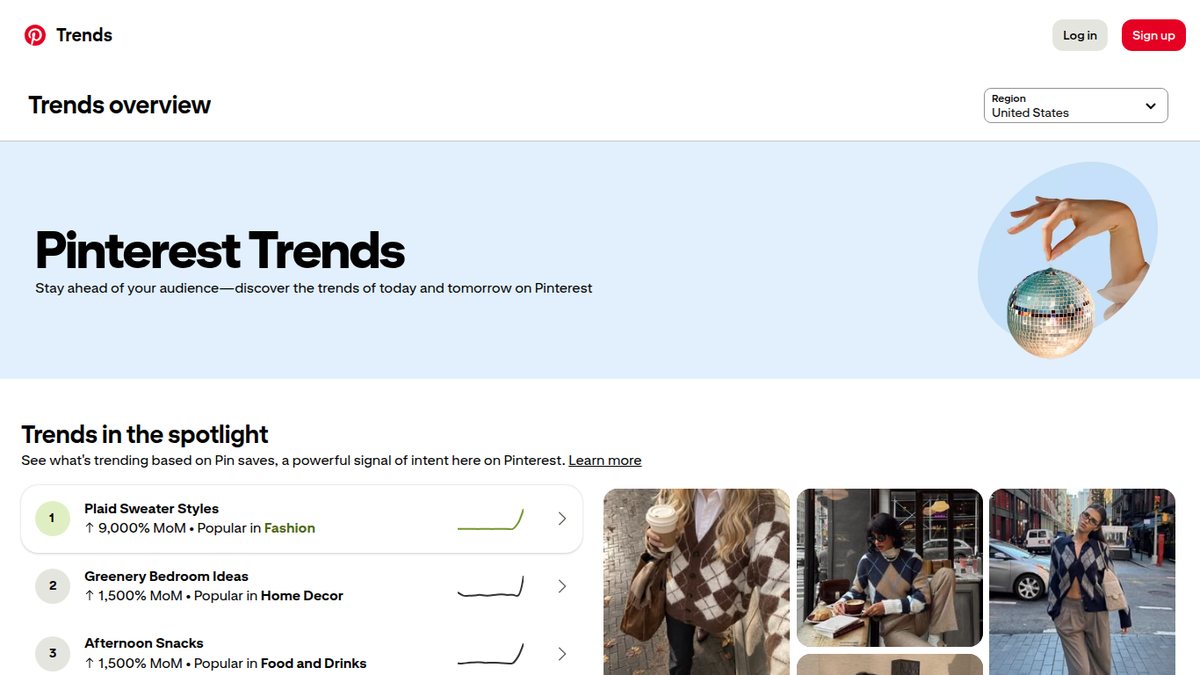
Pinterest Trends is Pinterest’s free tool for trending searches, seasonality and predictions on Pinterest. Retail, home, food, wedding and other visual businesses that market on Pinterest get weekly, monthly and yearly change, related trends, and age and gender breakdowns. The keyword graph is indexed 0 to 100 and compares up to four keywords, so it is a relative index and not volume. Some features are region-limited or in testing.
It’s free. Pinterest publishes no separate price for Trends and says business accounts are free (Pinterest’s business account page).
eRank
eRank does Etsy keyword research, with trend data across Etsy, Amazon, eBay and other marketplaces. Etsy sellers and other small handmade or craft businesses get Keyword Ideas, Compare Keywords, Trend Buzz, a Tag Report and a Rank Checker for their listings.
The free plan is $0 with no card and no time limit, capped at 5 Keyword Tool searches a day, 1 keyword list and no Keyword Ideas. Paid tiers start at Basic for $5.99 a month (homepage plans).
Amazon Brand Analytics
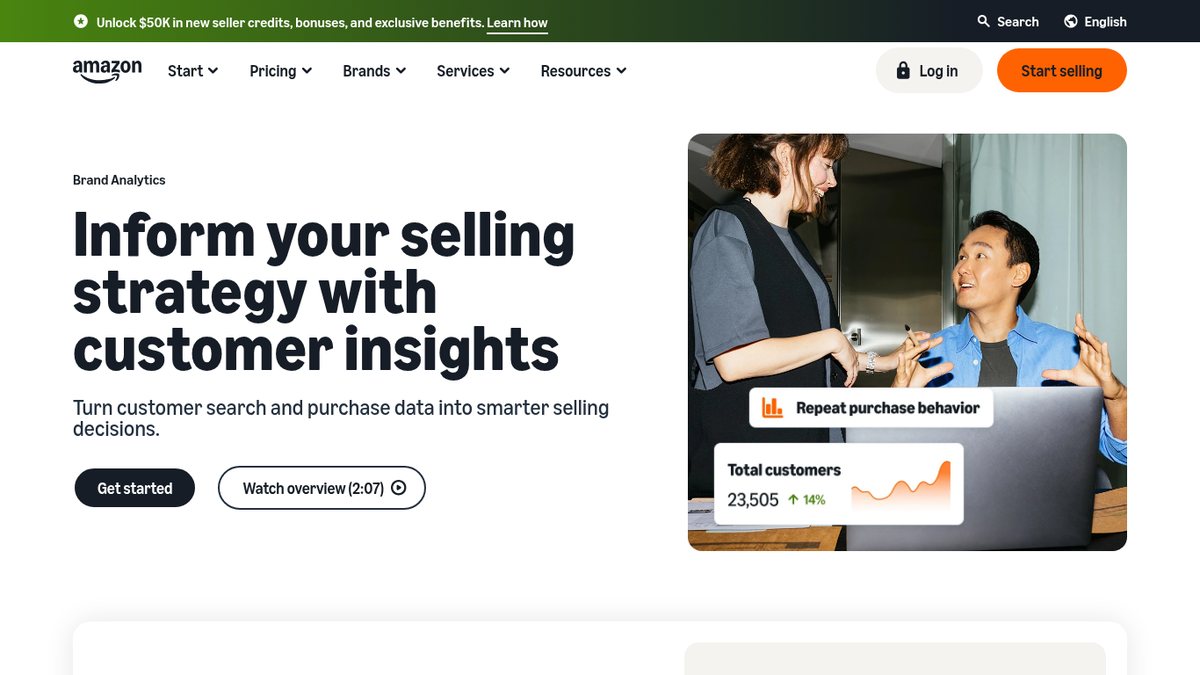
Amazon Brand Analytics is Amazon’s own search-term data: the most-searched terms on Amazon and how shoppers find your brand’s products. Brand-registered Amazon sellers can use it for first-party data before paying for third-party estimates. Top Search Terms are ranked by search frequency rank (a rank, not a volume), and Search Query Performance shows impressions, clicks, cart adds and purchases for your brand. It’s not a reverse-ASIN lookup for any product.
There is no separate fee, but access requires a Professional selling account ($39.99 a month plus selling fees) and a Brand Representative role for a brand in Brand Registry, which needs a registered or pending trademark (Amazon pricing page).
Helium 10
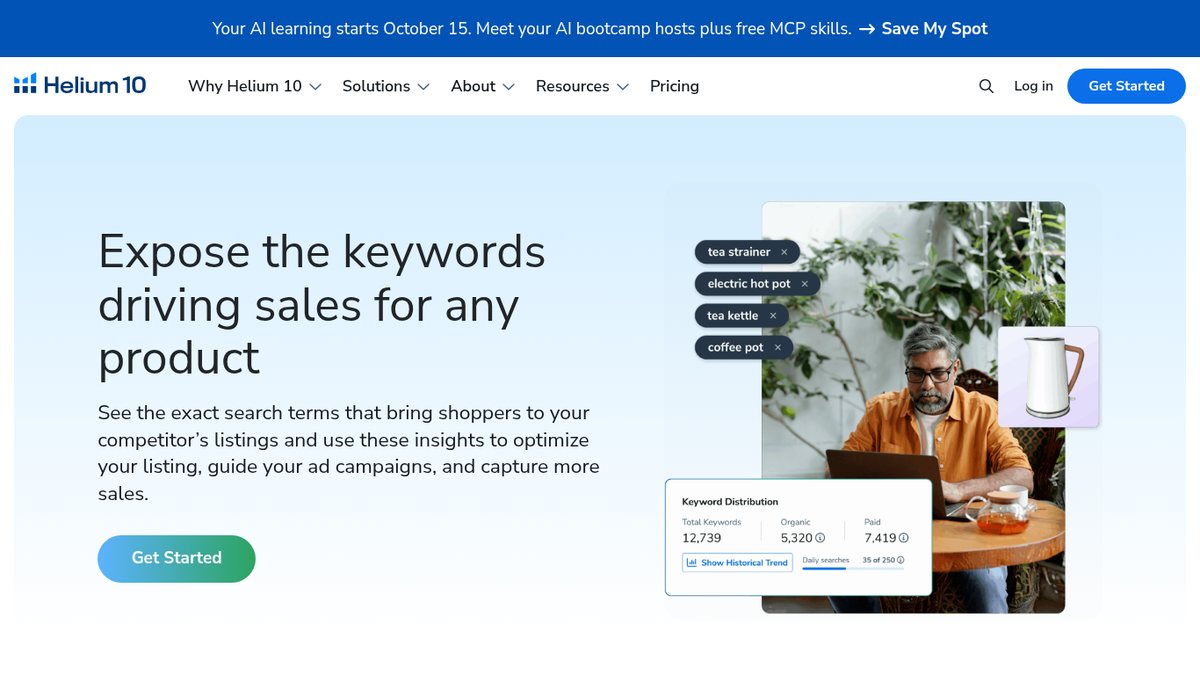
Helium 10 is a toolkit for Amazon and Walmart sellers. Its Cerebro tool shows every keyword a competitor’s product ranks for (up to 10 products at once), and Magnet expands starting keywords into buyer searches with volume and a 30-day trend.
A free plan exists with limited access, and the vendor does not publish the limits. The tool pages also have a free keyword or ASIN search box. Platinum is $129 a month billed monthly, or $99 a month billed yearly (pricing page).
Jungle Scout
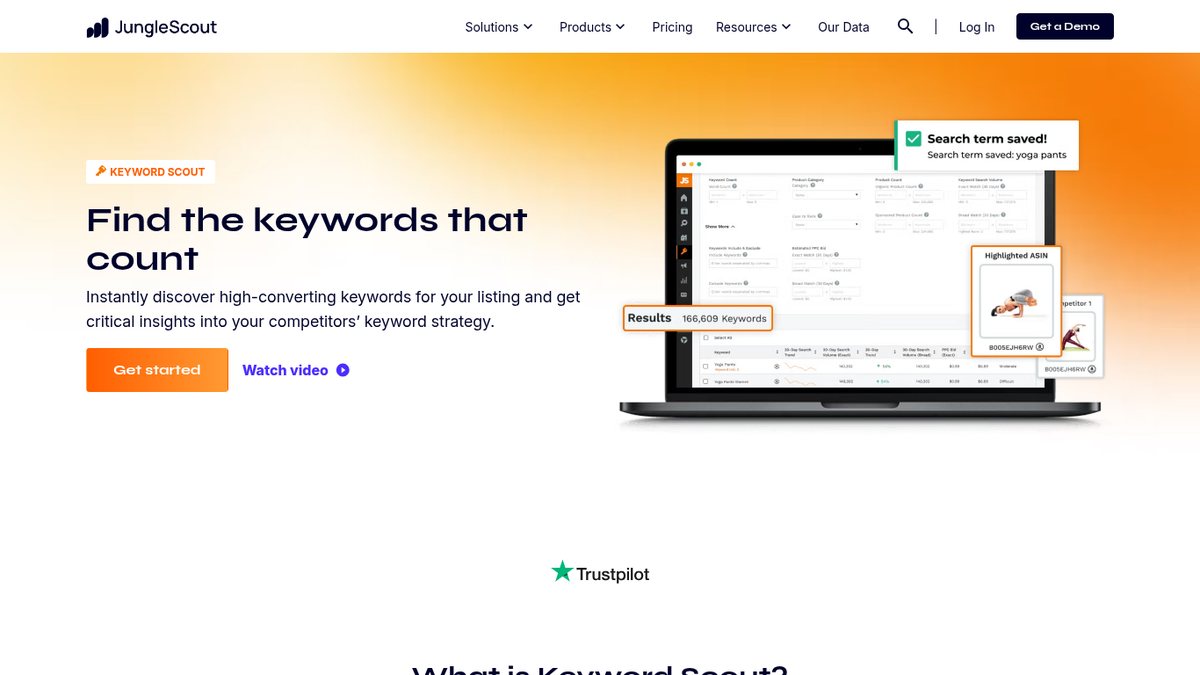
Jungle Scout offers Amazon keyword research with exact and broad search volume, reverse lookups for up to 10 ASINs, PPC cost per click by match type and two years of volume history. Amazon sellers who want keyword data alongside product research are the fit. The two-year history and sponsored data are not on Starter.
For sellers under $1M, Starter is $29 a month billed annually or $49 monthly, and Keyword Scout allows 50 searches a month on that plan. There is no free trial, only a 7-day money-back guarantee (Catalyst pricing page).
SmartScout
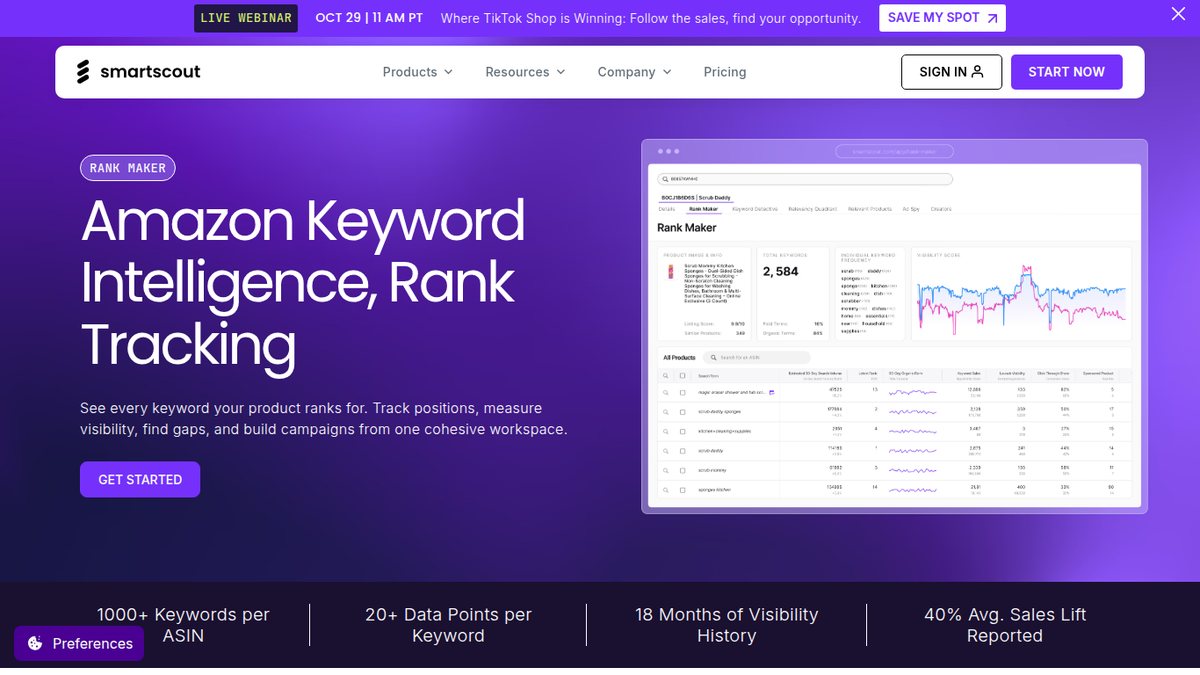
SmartScout is an Amazon search-term database with volume and cost-per-click filters, reverse-ASIN keyword maps and shared-keyword analysis, for Amazon brands researching a category and competitors’ keyword strategies. Its Rank Maker returns 1,000+ keywords per product, and Keyword Detective finds terms two products share.
There is no free plan, and all tiers carry a 7-day money-back guarantee. Basic runs $29 to $49 a month depending on the billing view, and unlimited keyword research starts at Essentials (pricing page).
MerchantWords
MerchantWords is a dedicated Amazon keyword volume tool with seasonality, reverse-ASIN lookups and Emerging Trends for newly appearing searches. Amazon sellers who only need keyword data, and not a full seller suite, can stop here. It was on the 2017 list and was rebuilt in 2026 with an API and an MCP server.
The keyword tool has no free plan. Silver is $35 a month (500 searches, US only) (products page).
Rank Trackers With Built-In Keyword Research
These tools mainly track rankings, and each also has a real keyword research module, handy if you want both in one subscription.
Rank Tracker by SEO PowerSuite
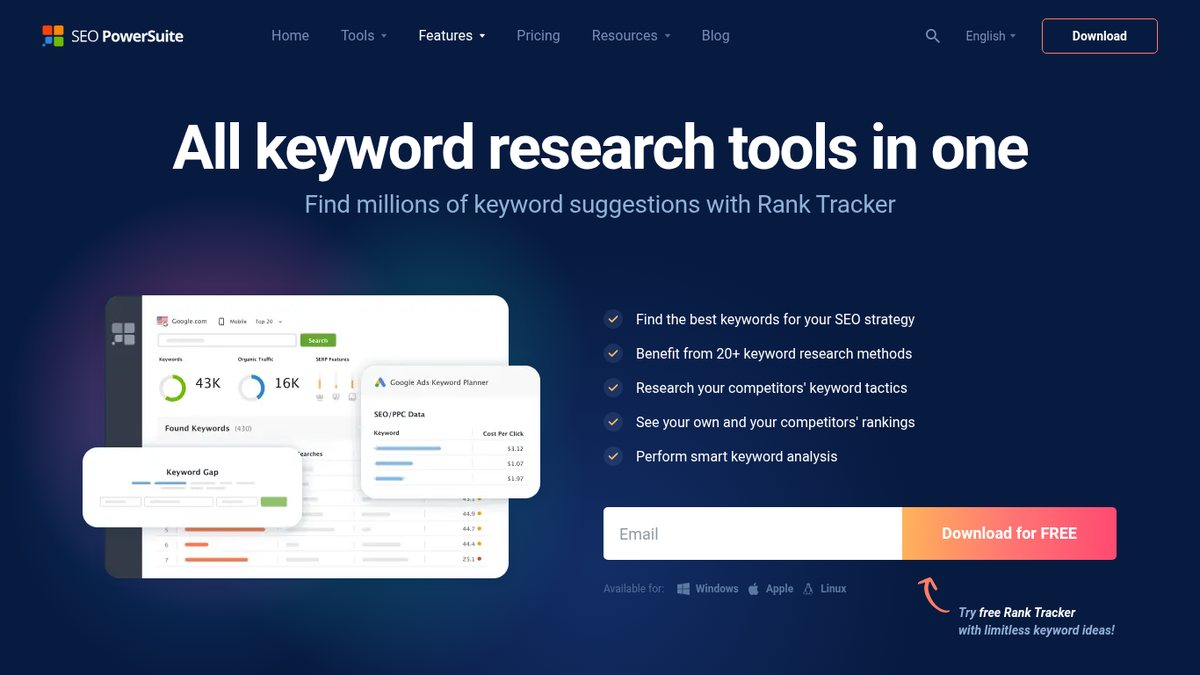
Rank Tracker by SEO PowerSuite is desktop software (Windows, macOS and Linux) with 20+ keyword research methods, including Google, Amazon and YouTube autocomplete and People Also Ask, plus competitor gaps and Keyword Planner and Search Console integrations. Budget-minded users comfortable with desktop software get research and tracking in one tool.
A free license has no time limit (1 competitor per project), though the vendor states the free limits inconsistently across pages. Rank Tracker Professional is $179 a year (pricing page).
Ranktracker Keyword Finder
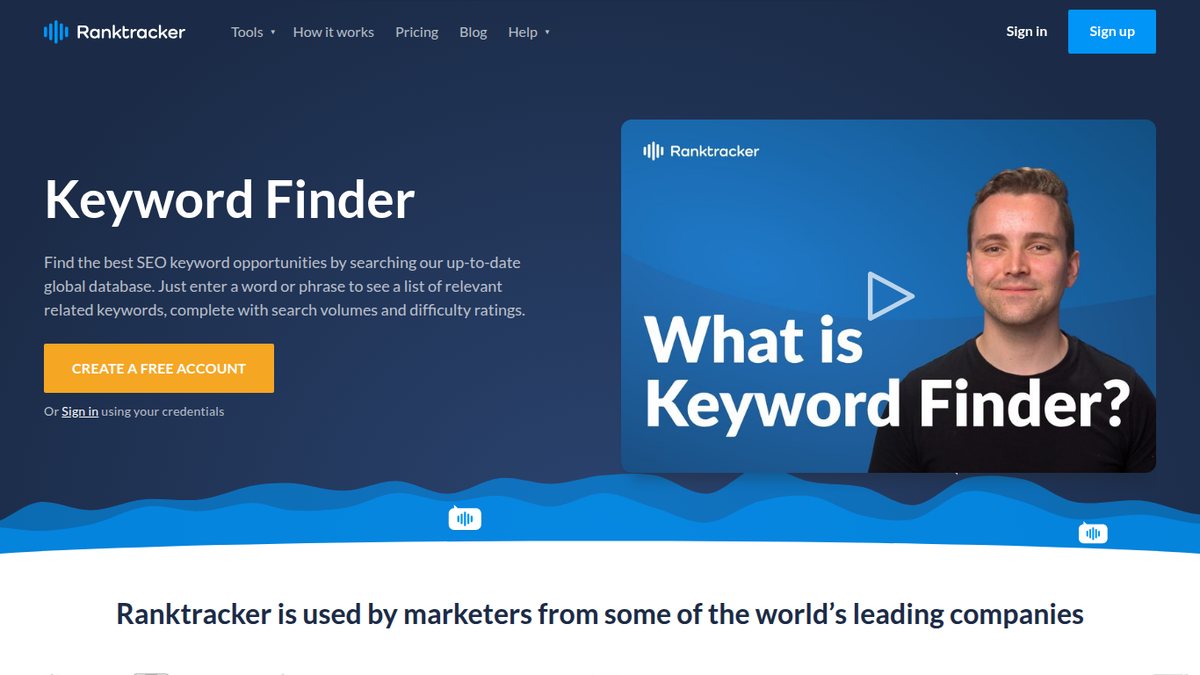
Ranktracker Keyword Finder bundles a keyword finder with rank tracking, which suits small businesses that want an affordable all-in-one tracker plus keyword tool. It shows volume, difficulty, cost per click and competitor keywords, with trend history across 67 countries and SERP feature opportunities.
Every plan includes Keyword Finder, and tools are not sold separately. Ranktracker’s 7-day free trial asks for no payment details, and Launch is $39 a month billed monthly (pricing page).
Wincher
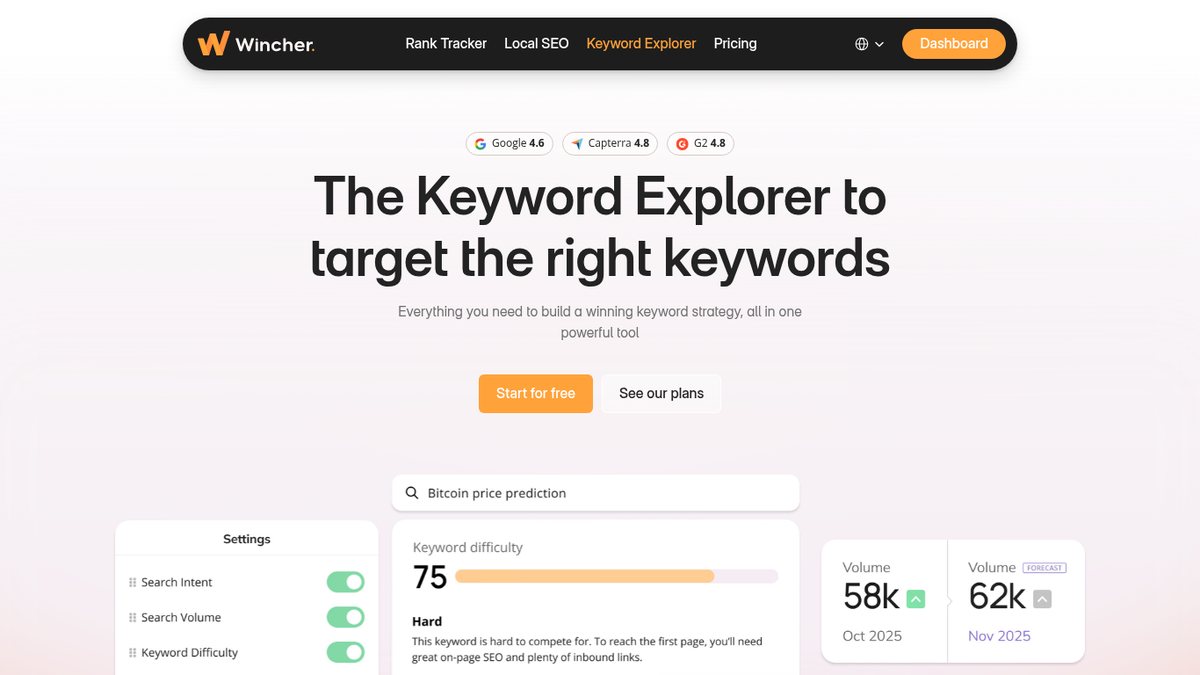
Wincher is a budget rank tracker whose Keyword Explorer covers 150+ countries with unlimited lookups. Small businesses that mainly want rank tracking but also need keyword ideas get volume, intent,